Made by Remco Dolman with Scribe
Use Spotzi's Ad Validator to measure the effectiveness of your OOH creative before it goes live. Analyze how audiences are likely to view, process, and remember your ad using research-backed performance metrics.
Use this tool to identify strengths and weaknesses in your creative, understand viewer attention patterns, and discover opportunities to improve campaign performance.
Step-by-step
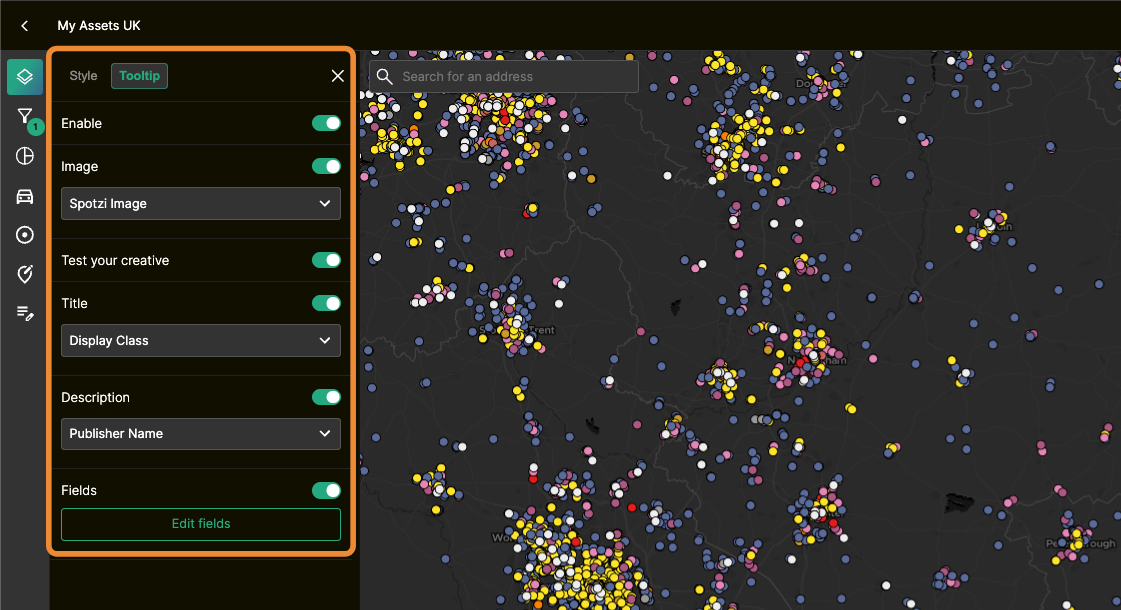
- Navigate to a dashboard containing your OOH assets.
- Ensure that both the Tooltip and Mockup tools are enabled for your asset layer.
- Click an asset to open its tooltip.
If a carousel is enabled in your dashboard, you can also open the tooltip by clicking "More Info" in the carousel.
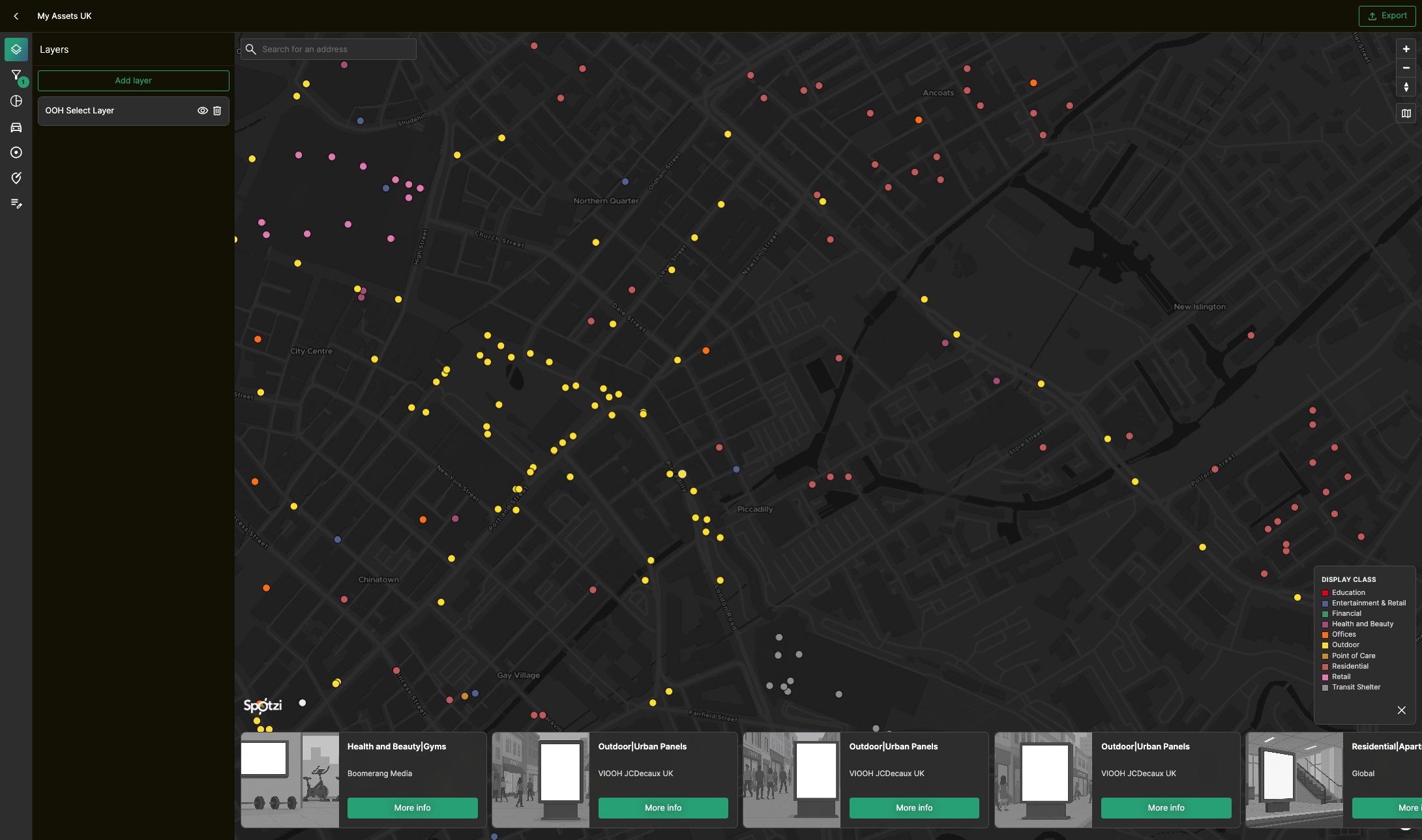
- The asset tooltip will appear on the right side of your dashboard.
Click "Test your creative".
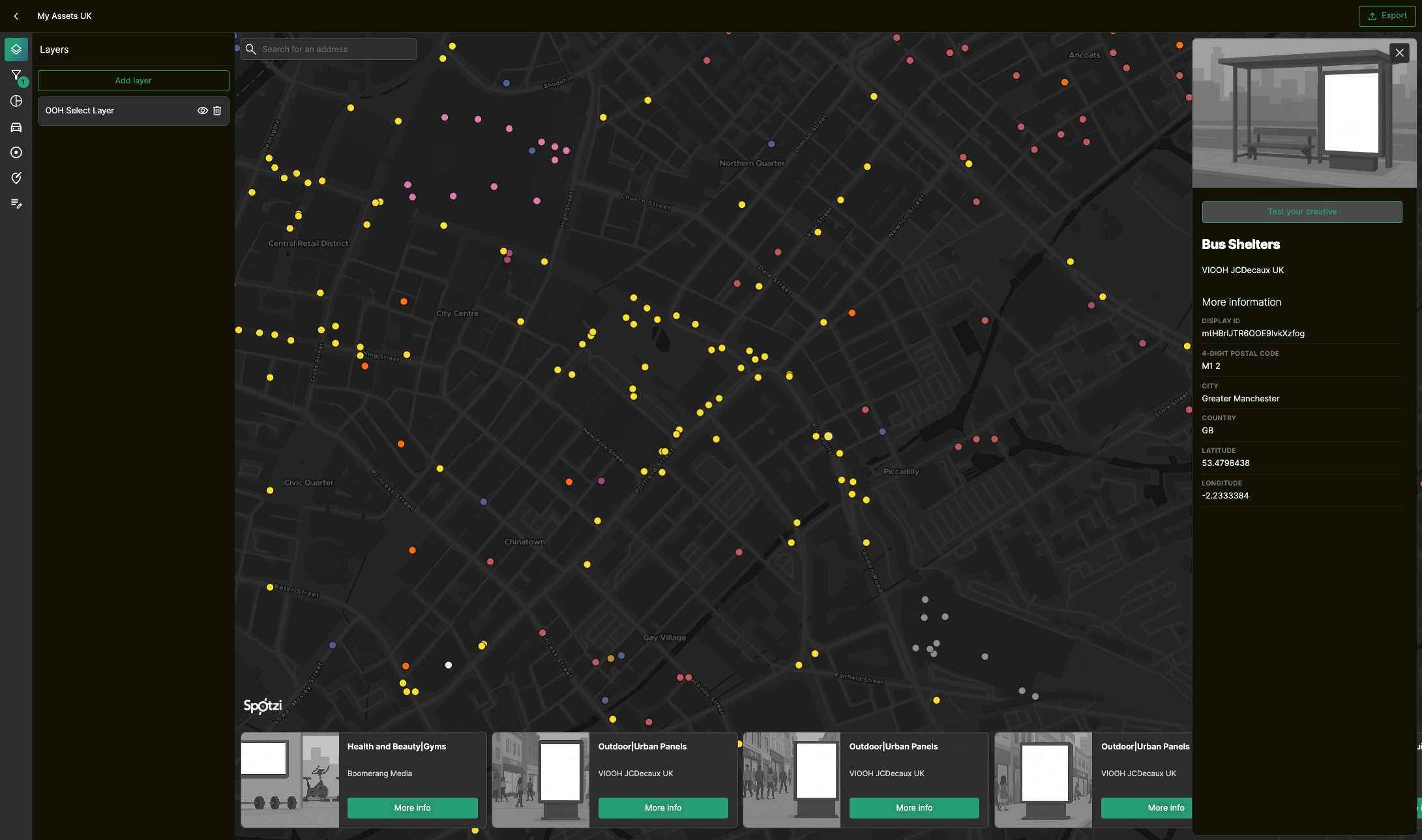
- The Creative Testing interface will open.
This tool allows you to create mockups using real asset images, helping you visualize how your campaign will appear across your inventory.

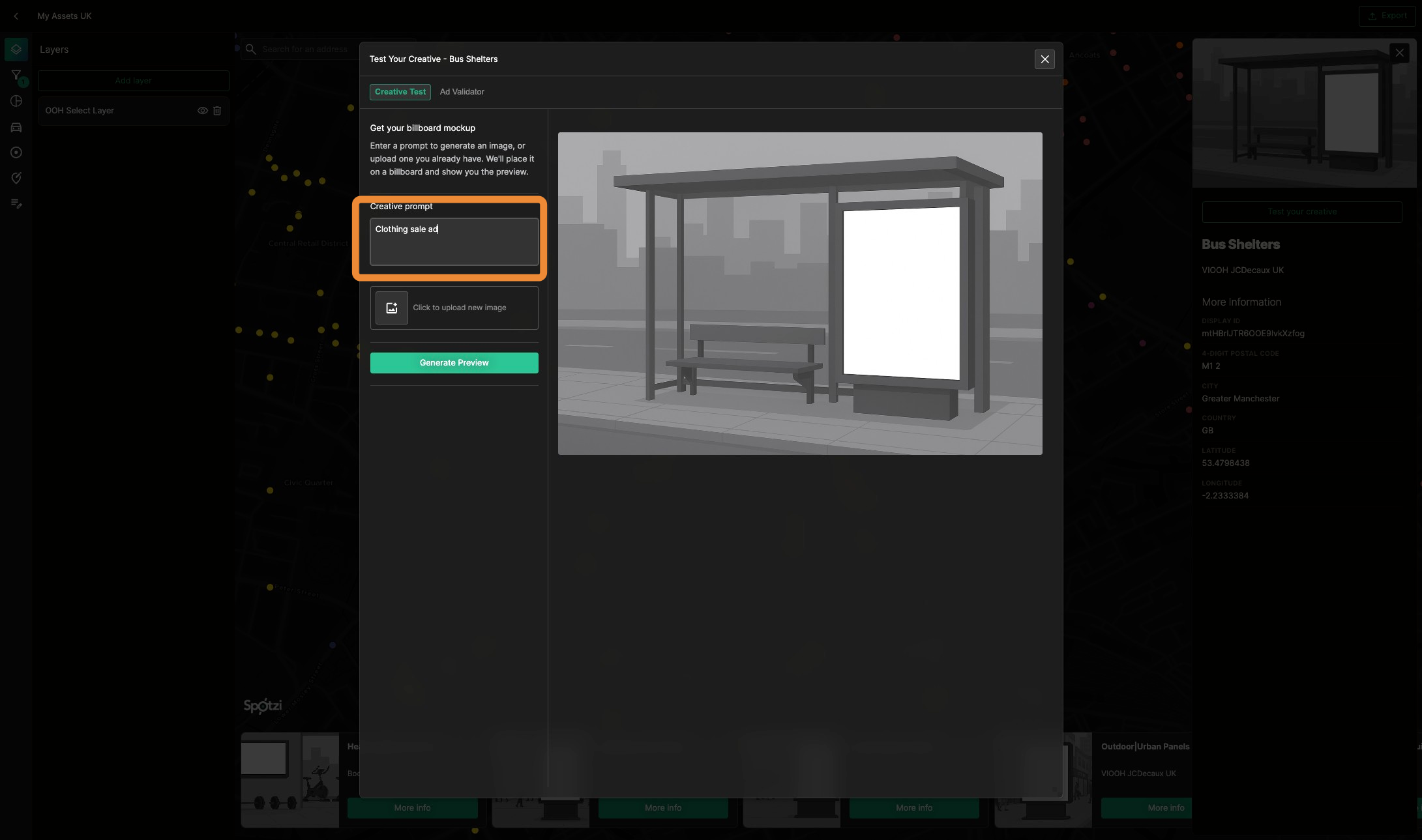
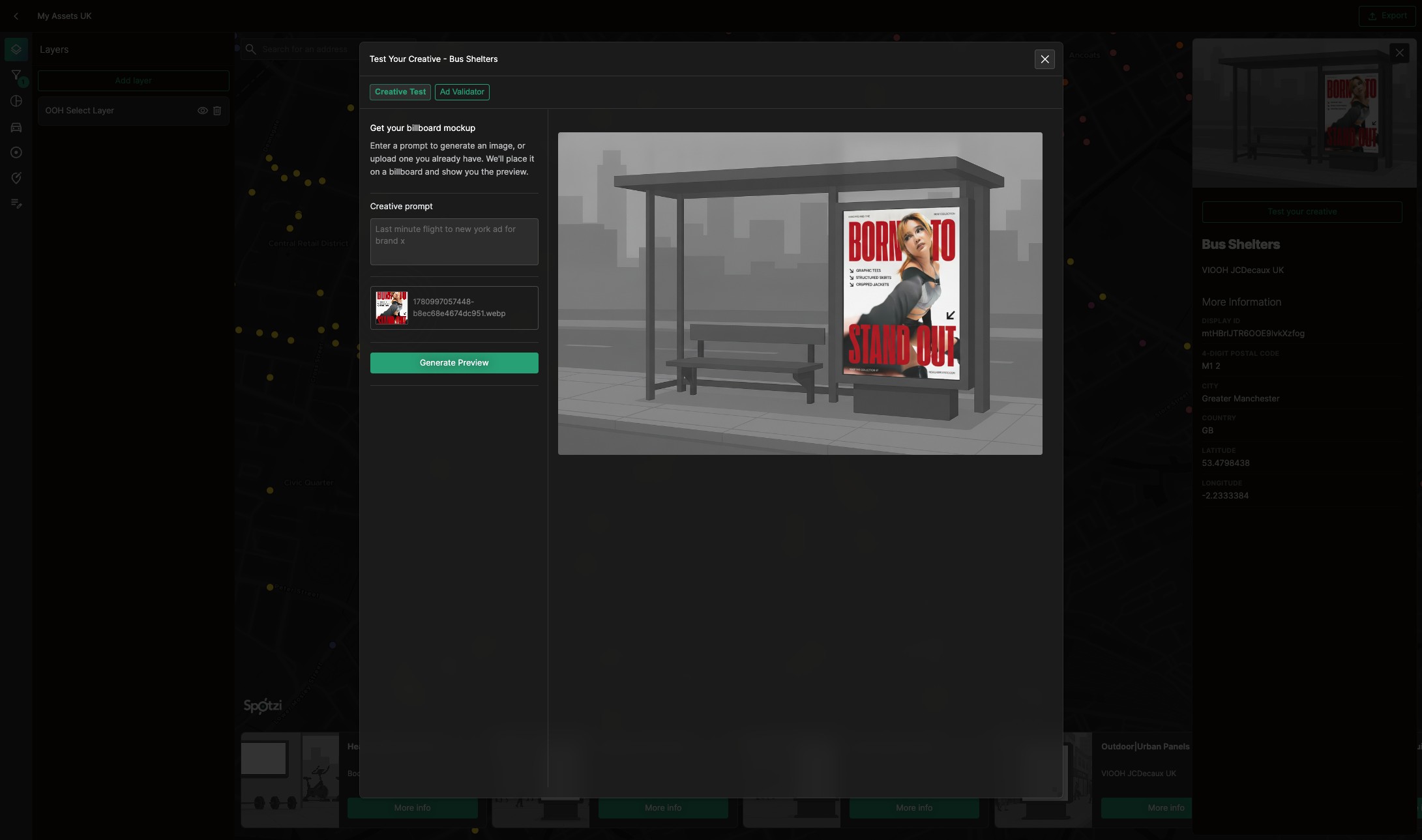
- Use Spotzi's AI Mockup Generator to create an ad based on a creative prompt.
Enter a description of the ad you would like to see displayed on your billboard, then click "Generate Preview".
- To test an existing ad, click the creative upload button and upload your creative image.
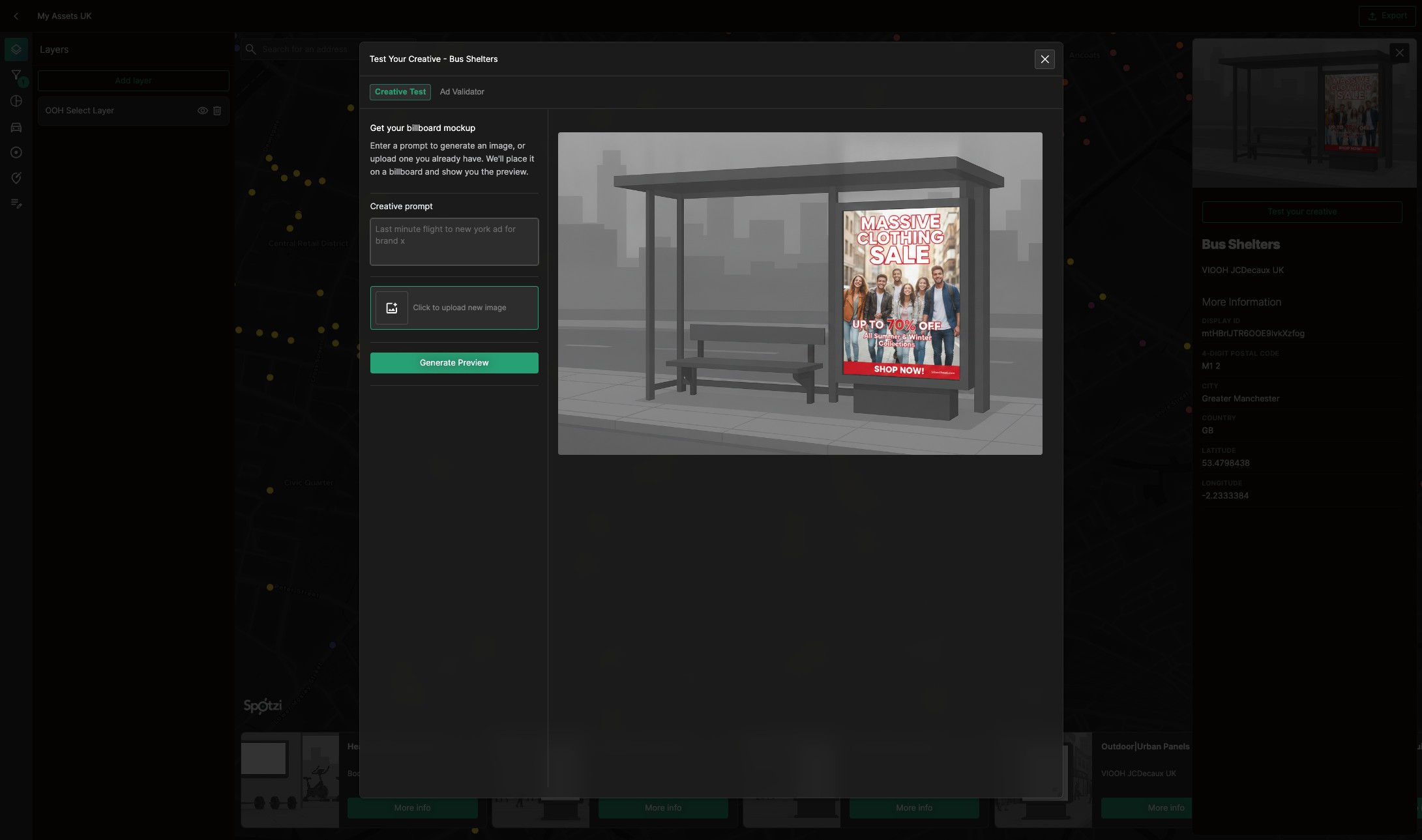
- Click "Generate Preview".
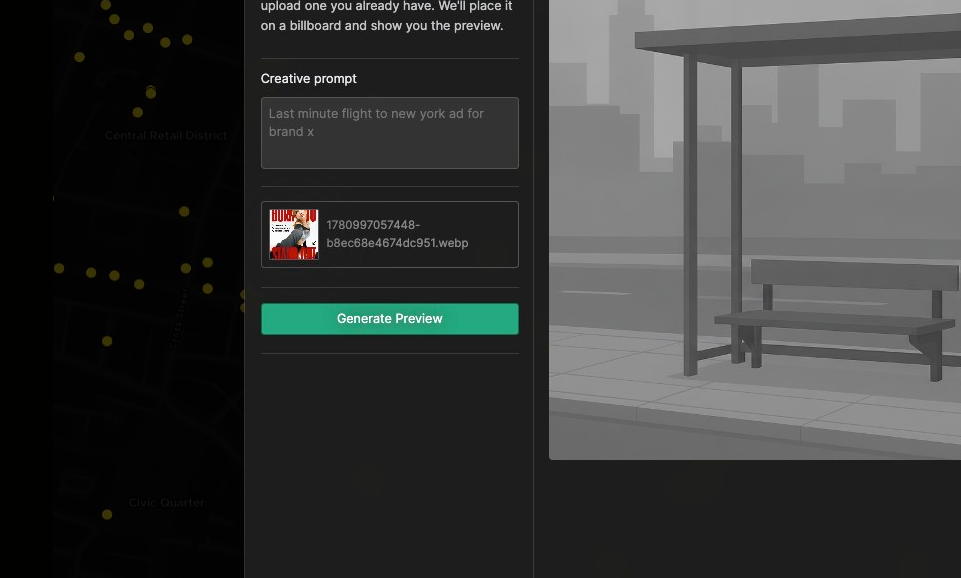
- Your uploaded creative will be placed into the ad space of the selected asset image.
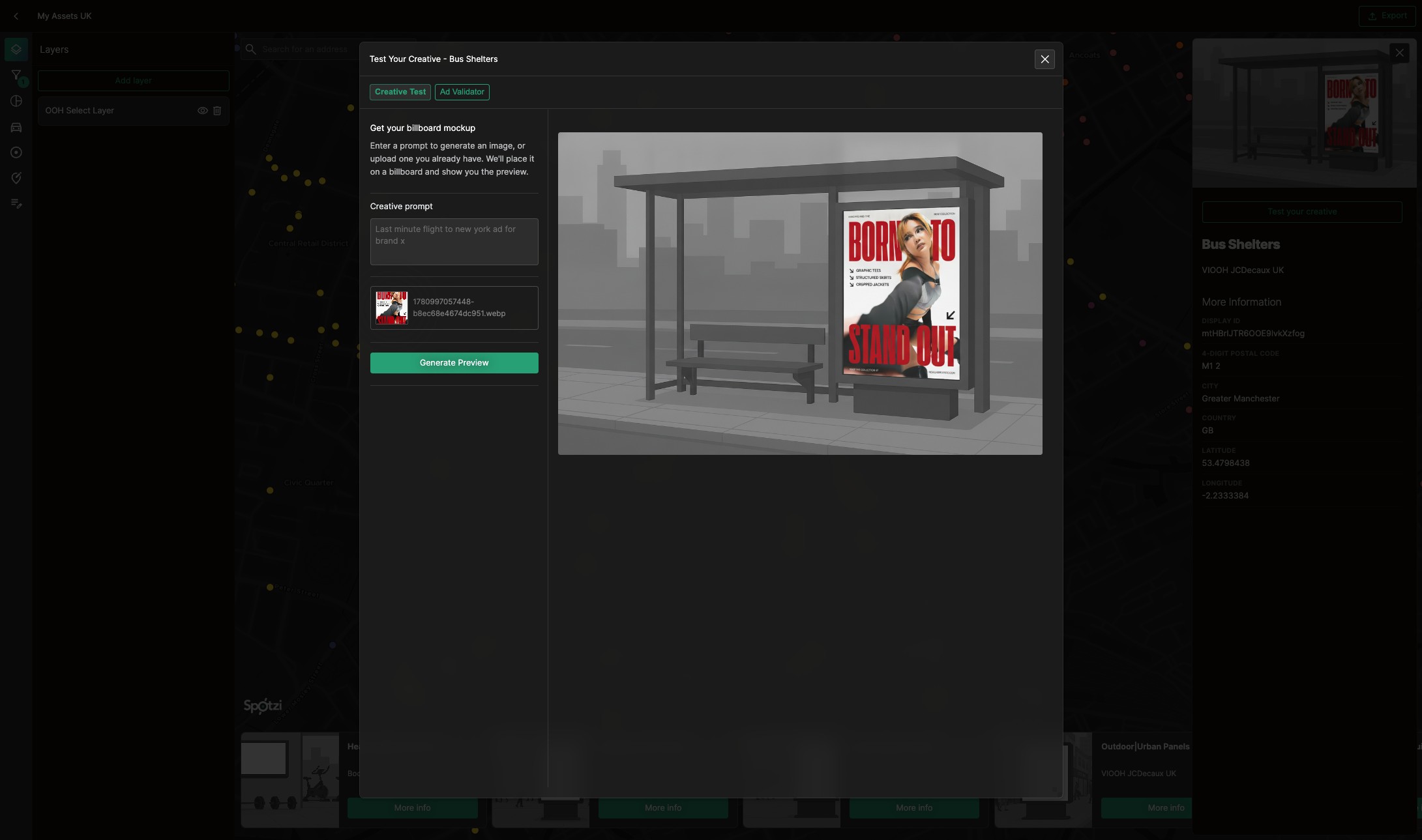
- Use Spotzi's Ad Validator to evaluate the effectiveness of your creative.
Click the "Ad Validator" button to begin analyzing your ad.
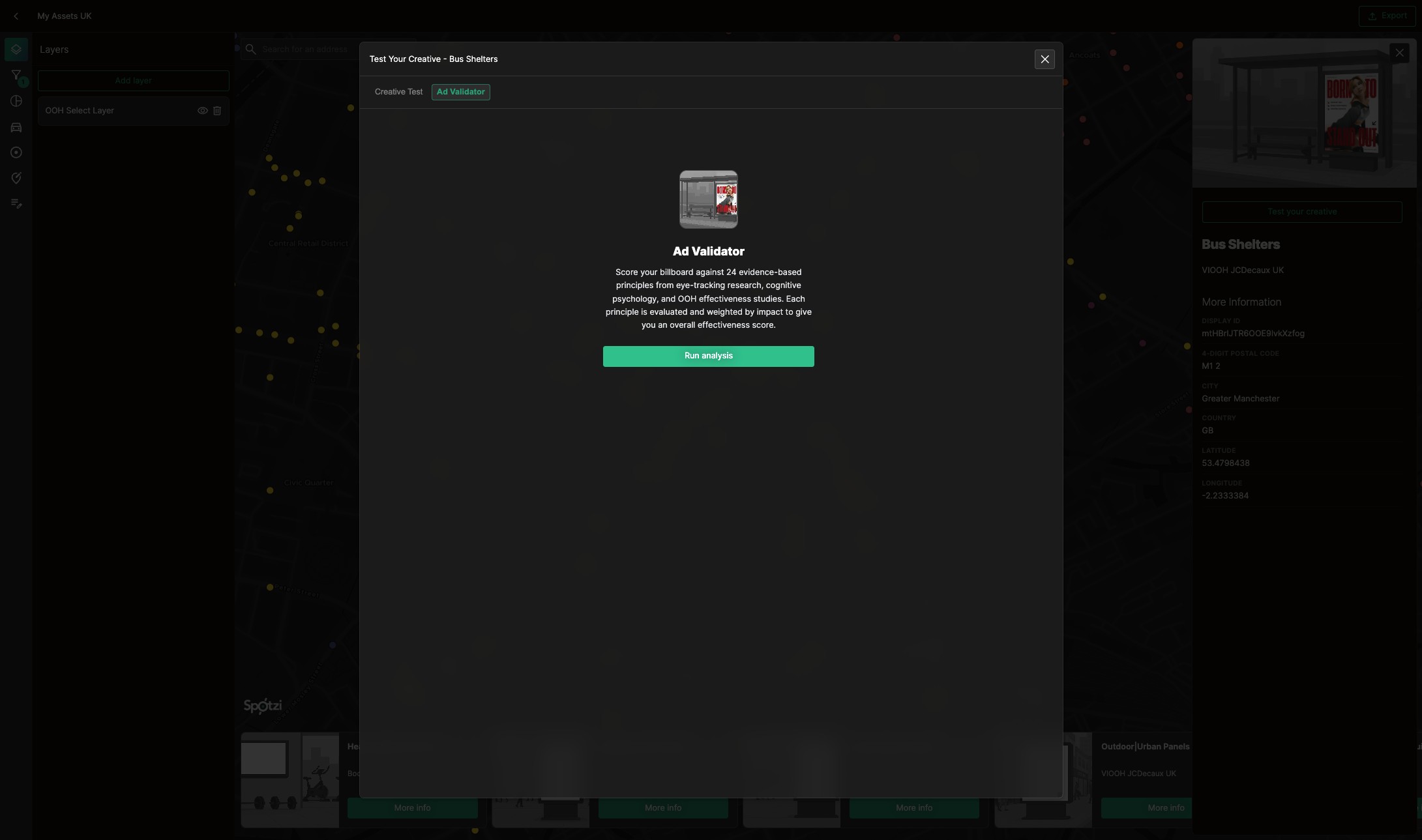
- Click "Run analysis".
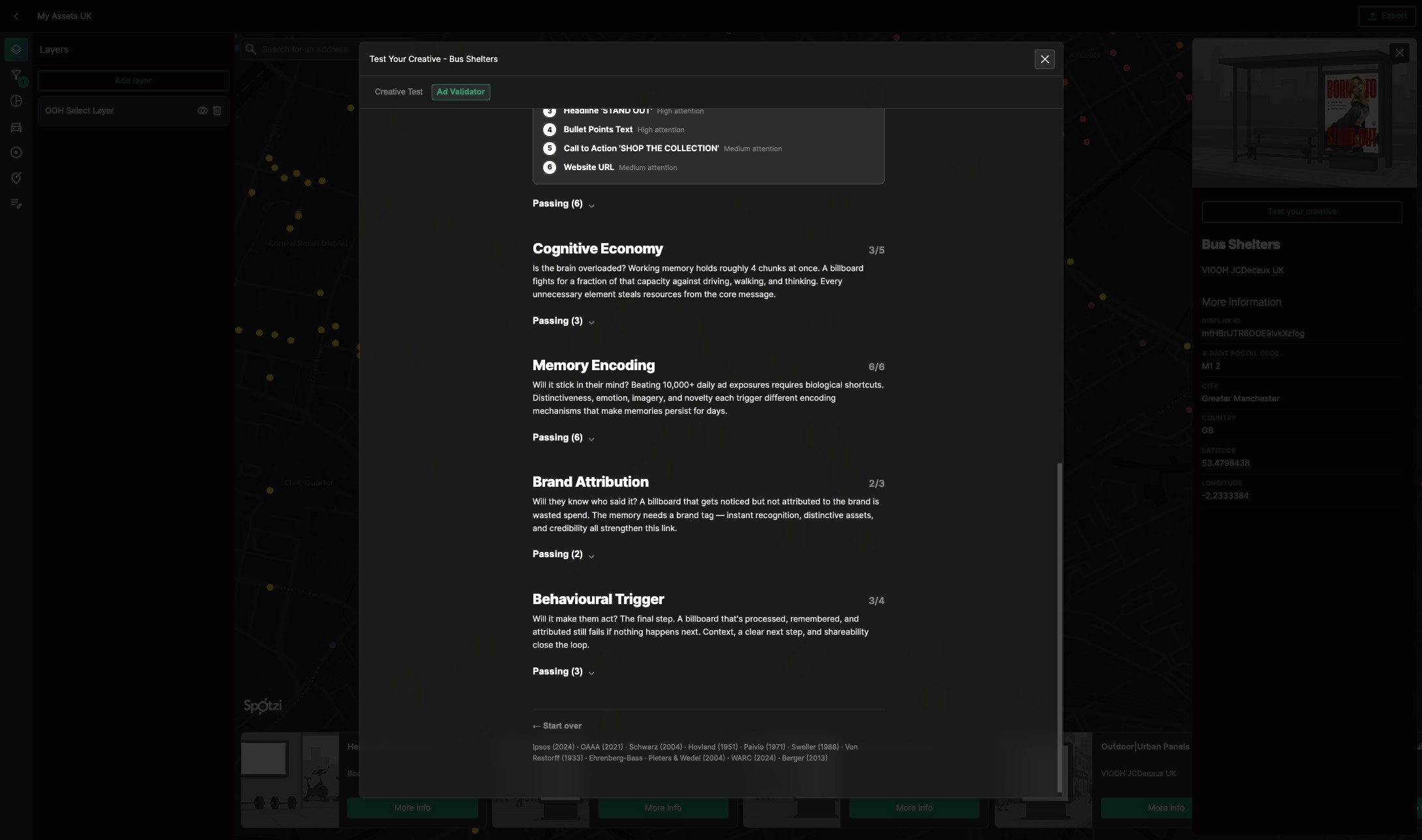
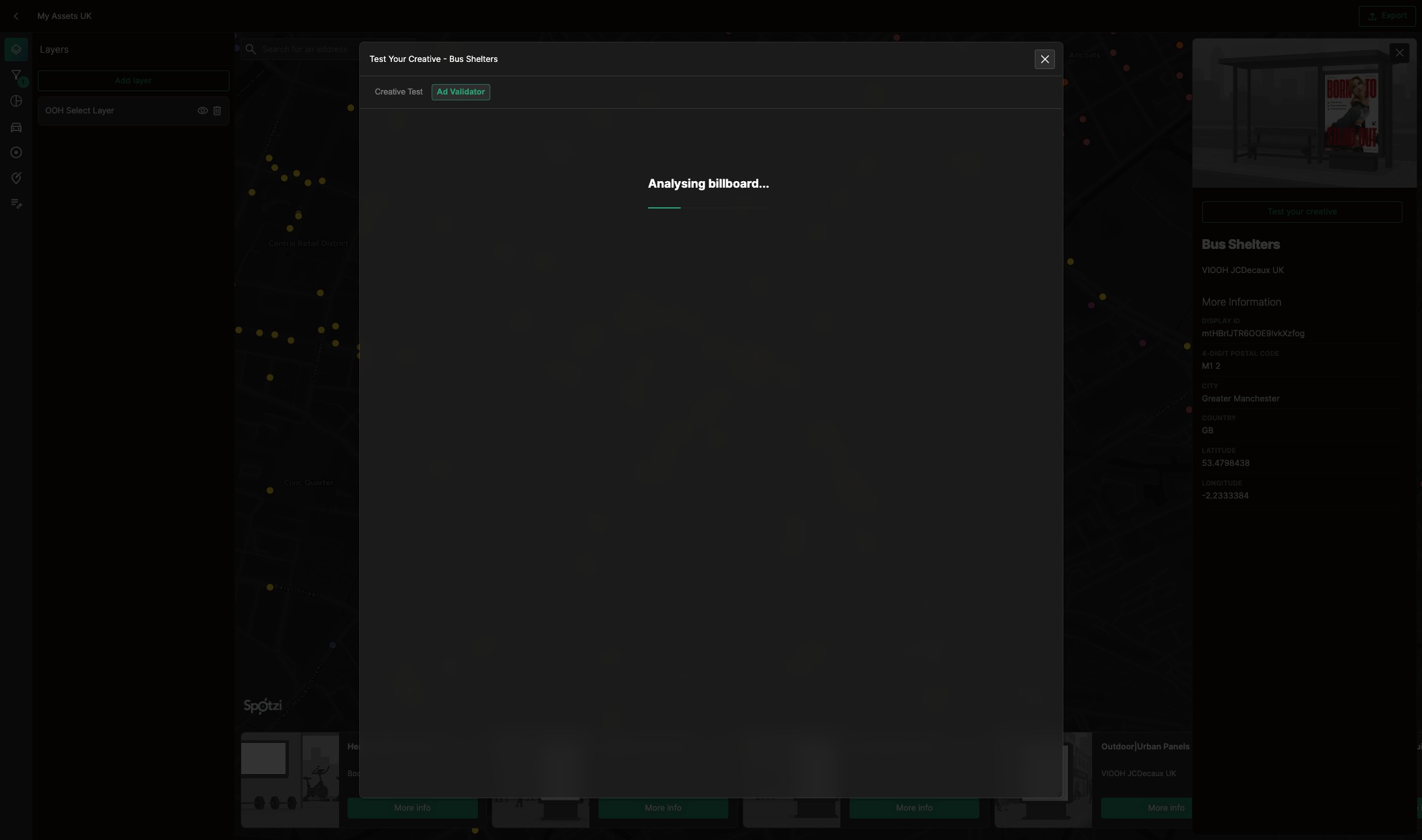
- The Ad Validator will analyze your creative and generate a performance report.
- Your creative will be evaluated across five key criteria:
- Processing Fluency: Can the brain process the message?
- Cognitive Economy: Is the viewer being overloaded with information?
- Memory Encoding: Is the ad likely to be remembered?
- Brand Attribution: Will viewers know who the advertiser is?
- Behavioural Trigger: Is the ad likely to encourage action?

- An audience attention heatmap will be generated, showing which areas of the ad are most likely to attract attention.

- The "Path" view shows the sequence in which viewers are likely to scan the ad, highlighting the elements they notice first and last.
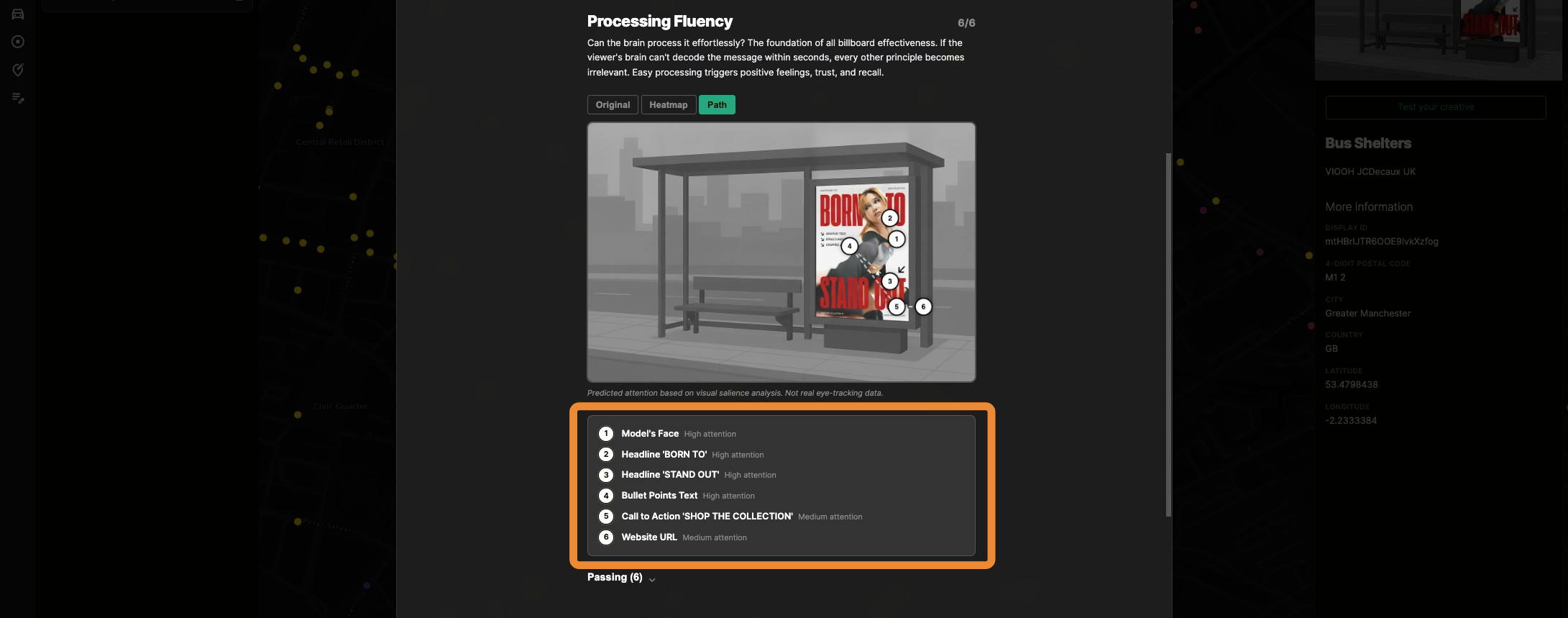
- The "Passing" section highlights the aspects of your creative that are performing well.

- Open the "To Improve" section to view recommendations for increasing the effectiveness of your creative.
Expand each recommendation to see detailed guidance and suggested improvements.
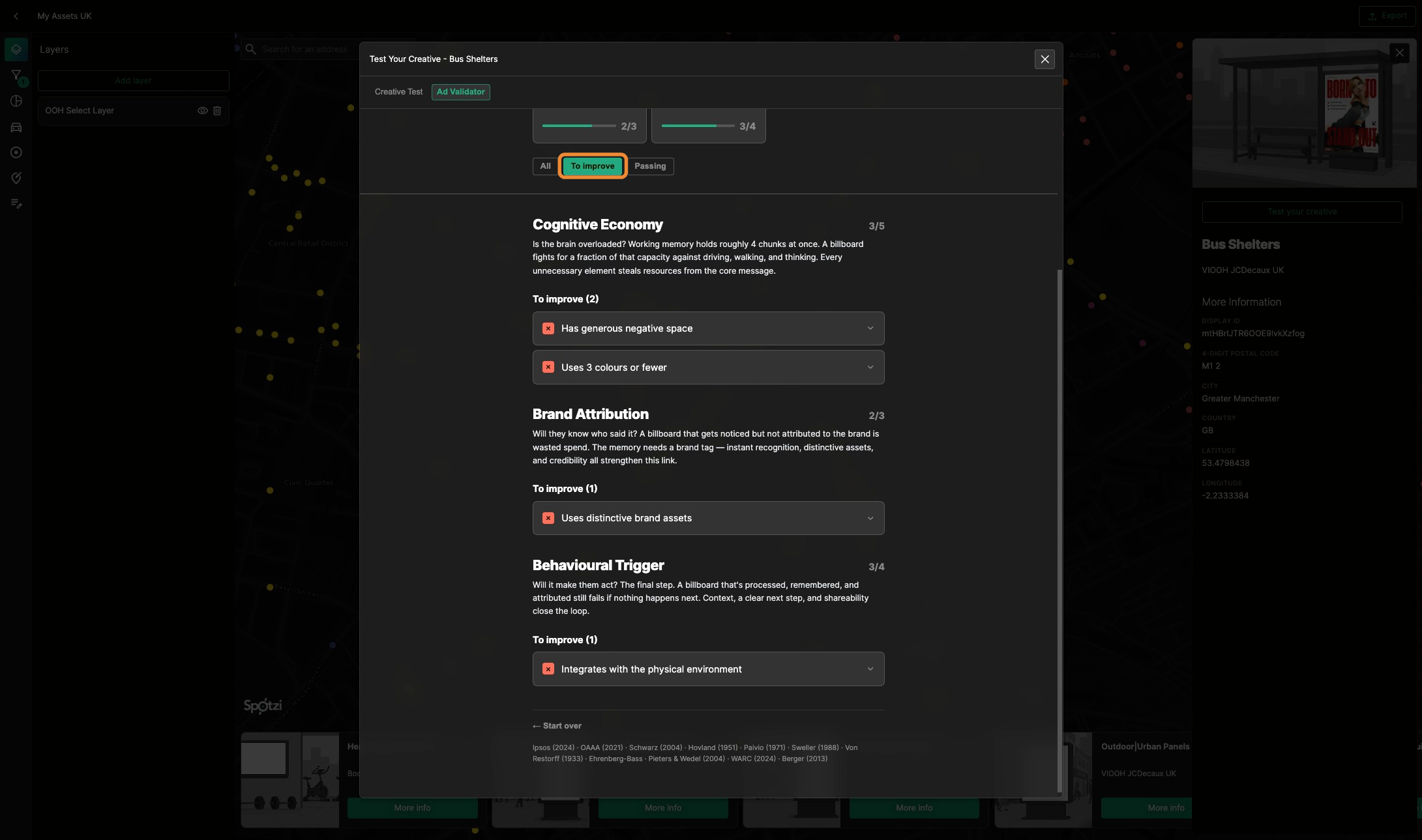
- The Ad Validator's analysis is based on published research studies, which are referenced at the bottom of the report.