Made by Remco Dolman with Scribe
Learn how to create custom radius polygons around assets to use as input in Measurement reports, Visitor Profiles, or Cross Visitation analytics.
Step-by-step
You may also use the POI app to create a dashboard with imported points of interest.
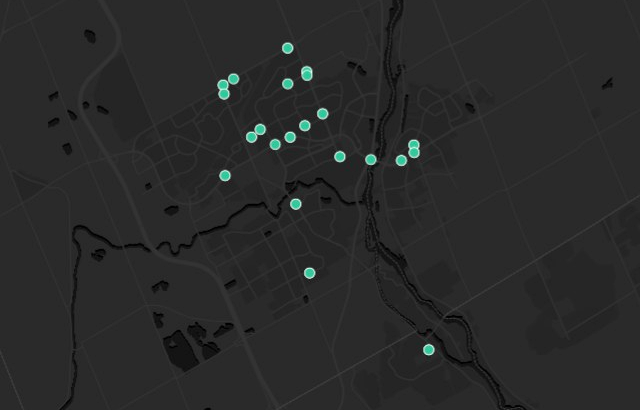
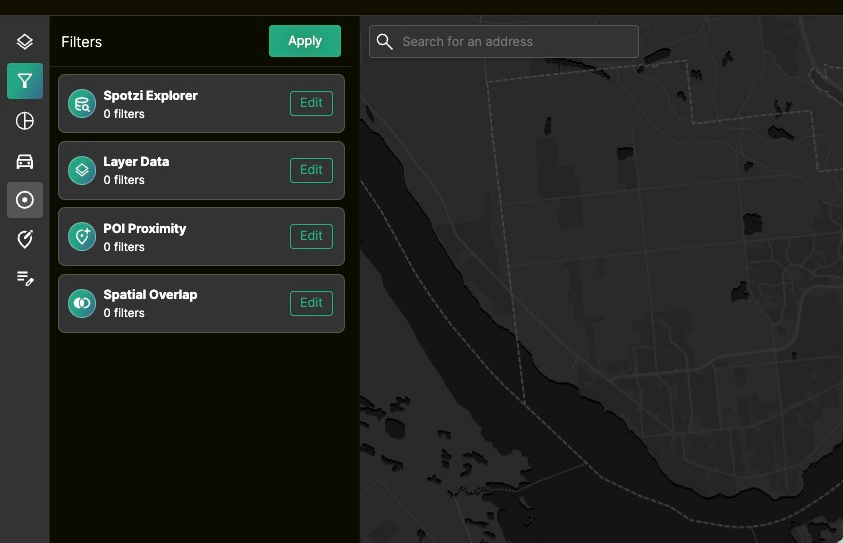
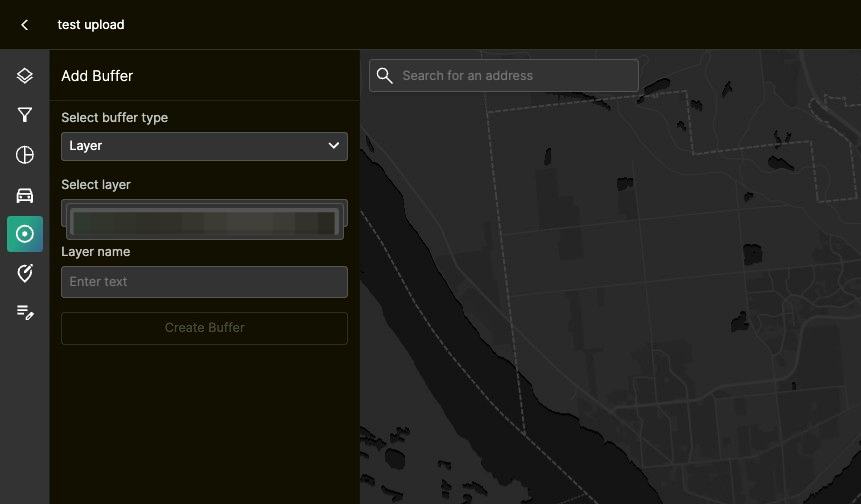
- Click the buffer icon.
- Select "Layer" as the buffer type.
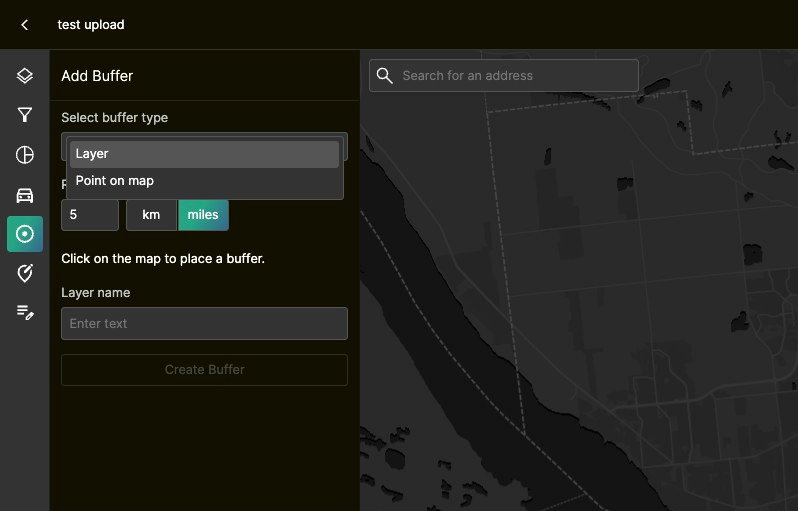
- Select your asset layer from the dropdown (this will be the only available layer).
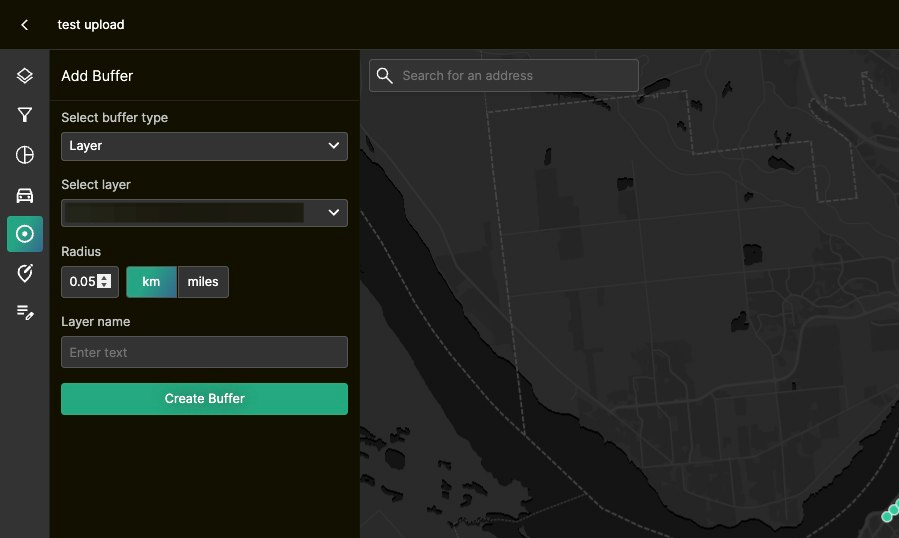
- Set your desired radius. Let's use a 50m radius in this example (0.05 KM).
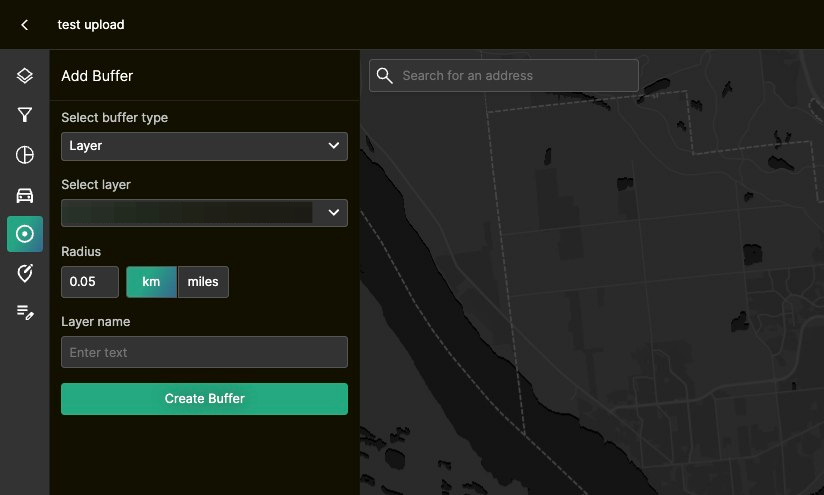
- Name your new layer (ex. "Buffers")
- Click "Create Buffer"
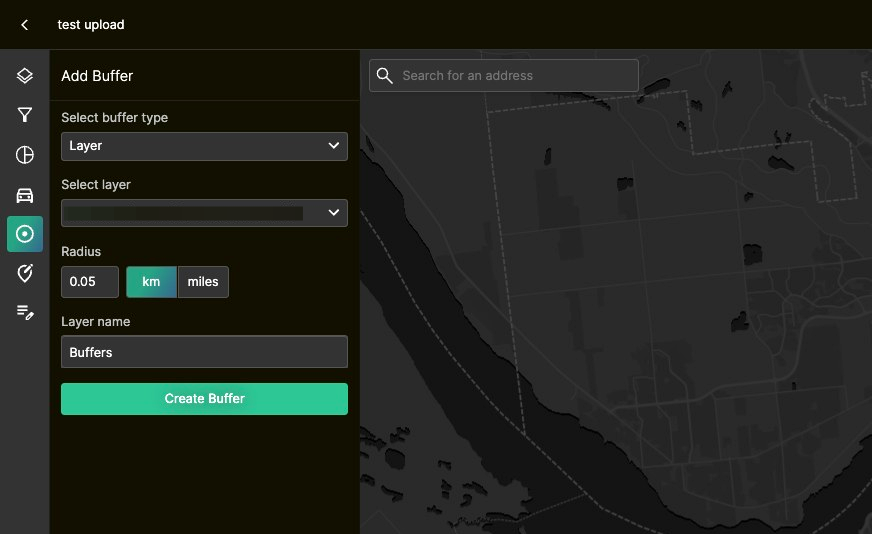
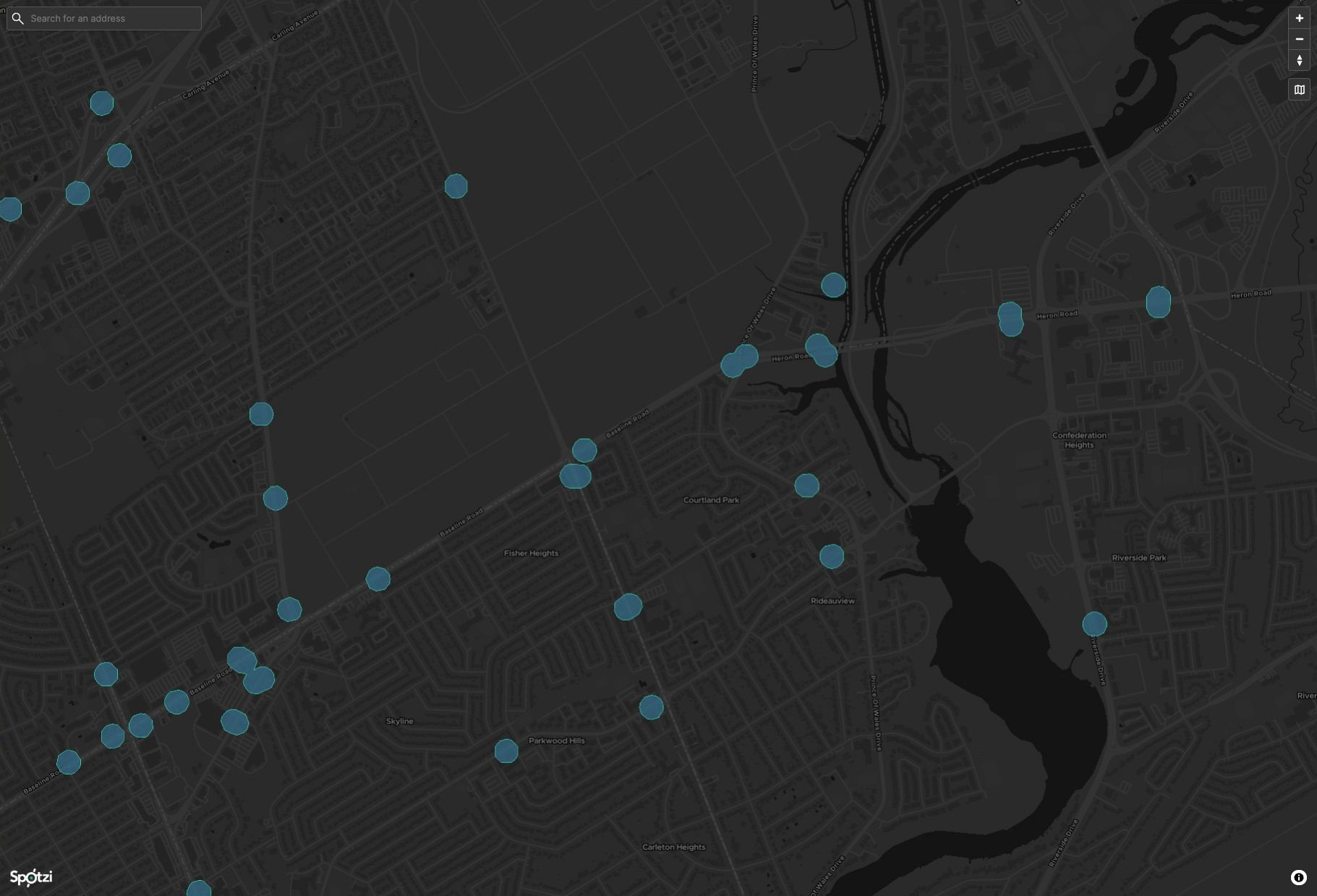
- Buffers with your desired radius will now be created around each of your asset points.
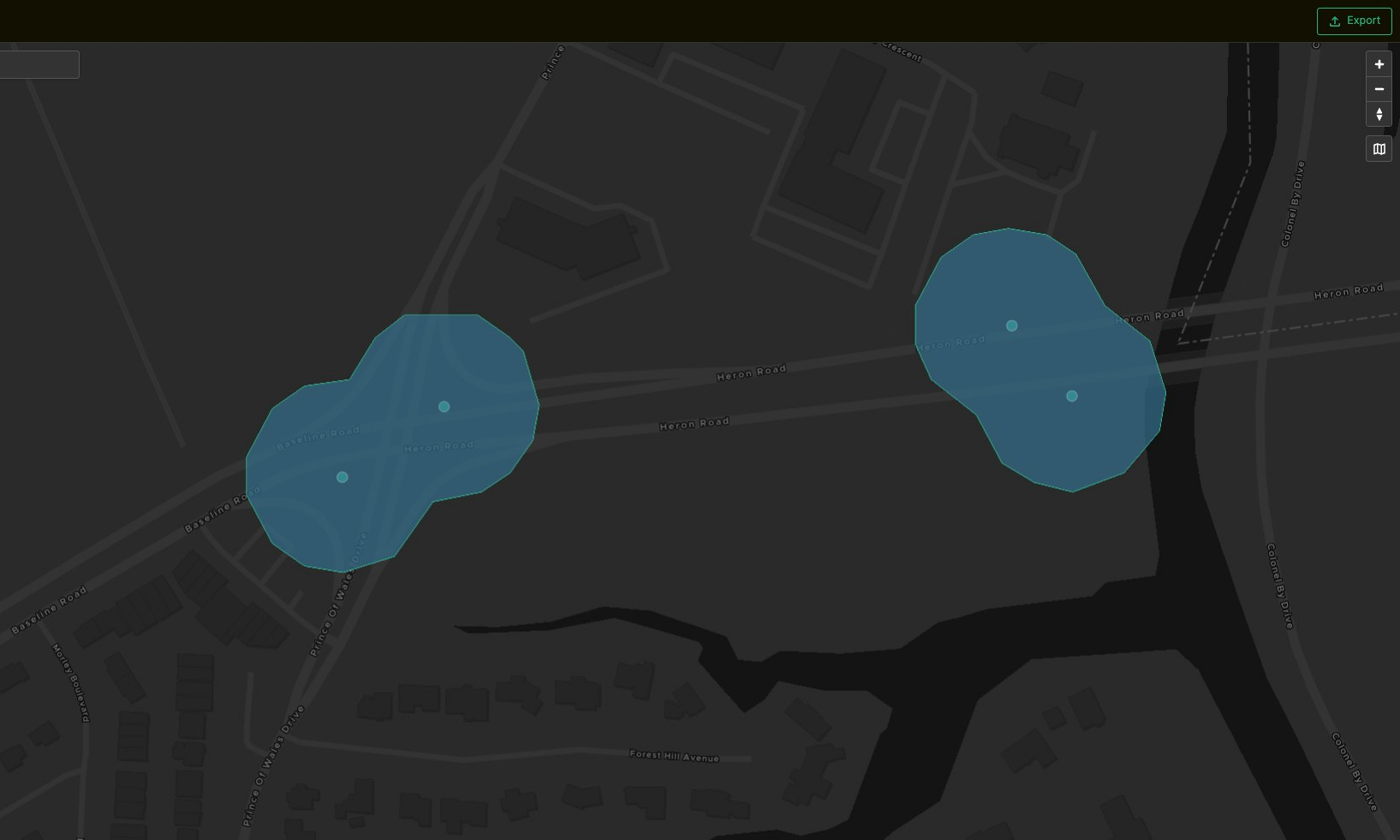
- Delete your original asset points layer from this dashboard (only one layer can be used as input for a visitor profile or measurement report).
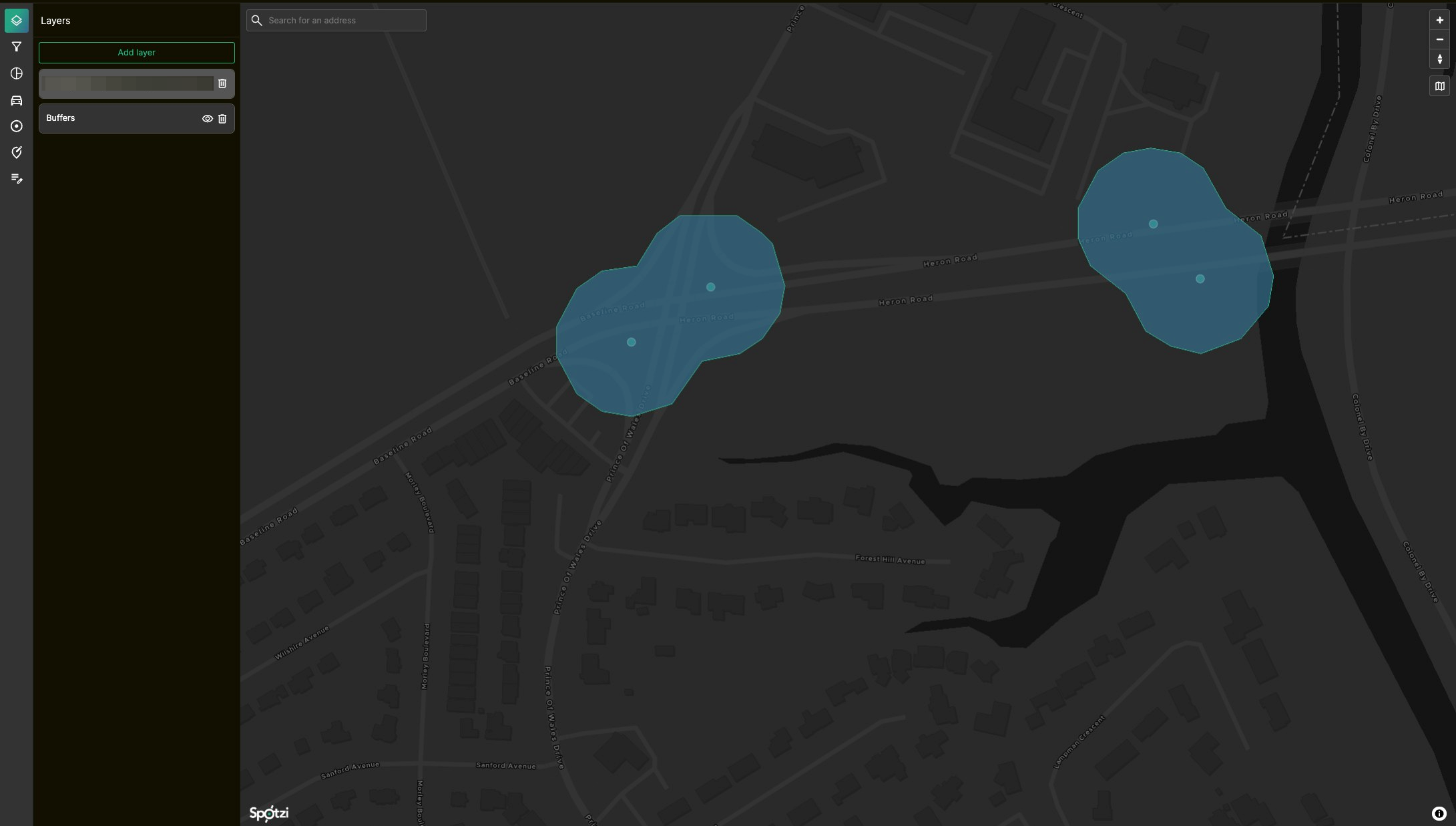
- Your dashboard will now only contain the buffers surrounding your original assets. You can use these buffers as input for your next visitor profile, measurement report, or cross-visitation analysis.