Made by Remco Dolman with Scribe
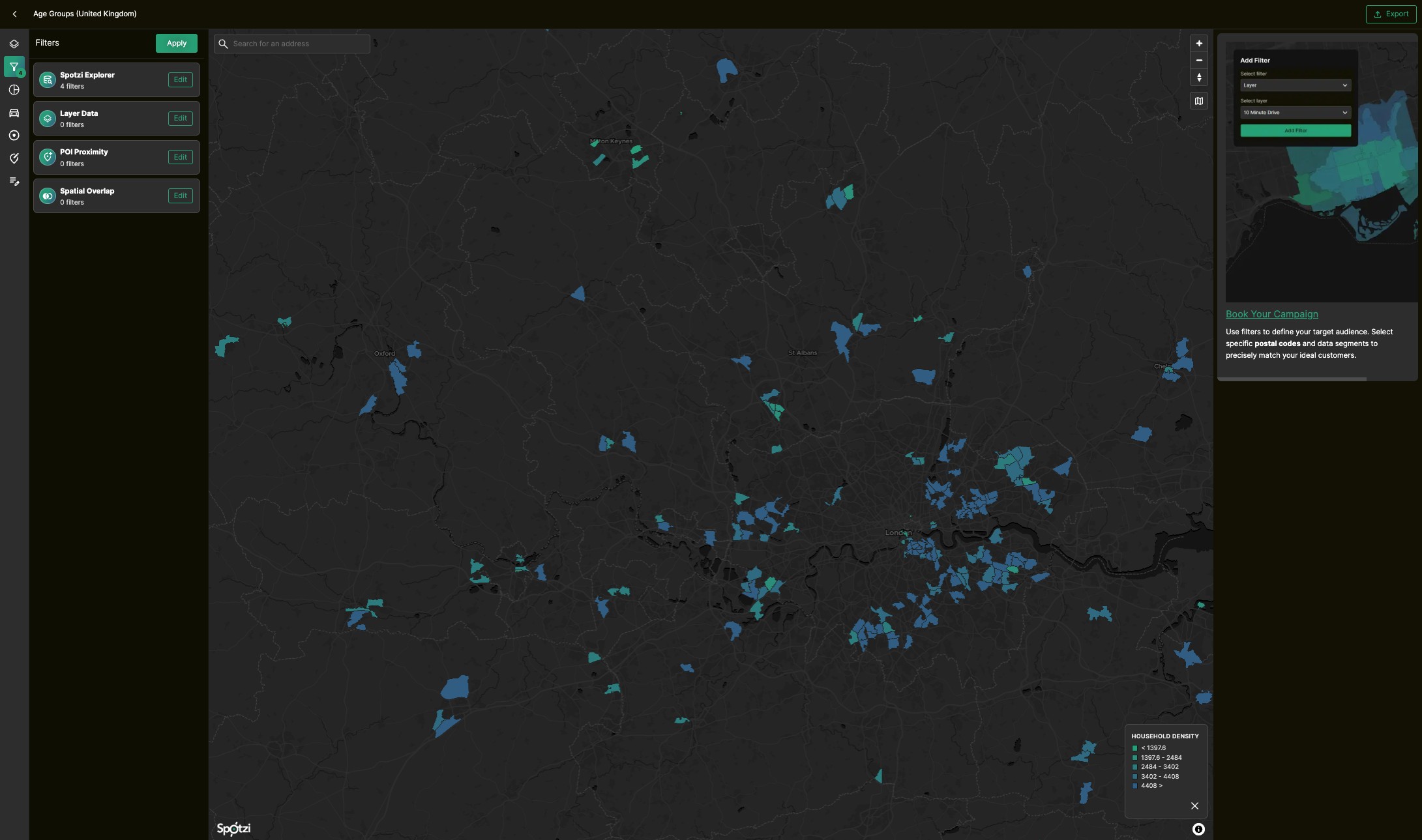
Create a postal code dashboard using premium Spotzi data, and use Spotzi Explorer filters to identify the postal code areas whose residents match your target audience.
Use your curated list of postal codes to book a campaign directly within the platform.
Step-by-step
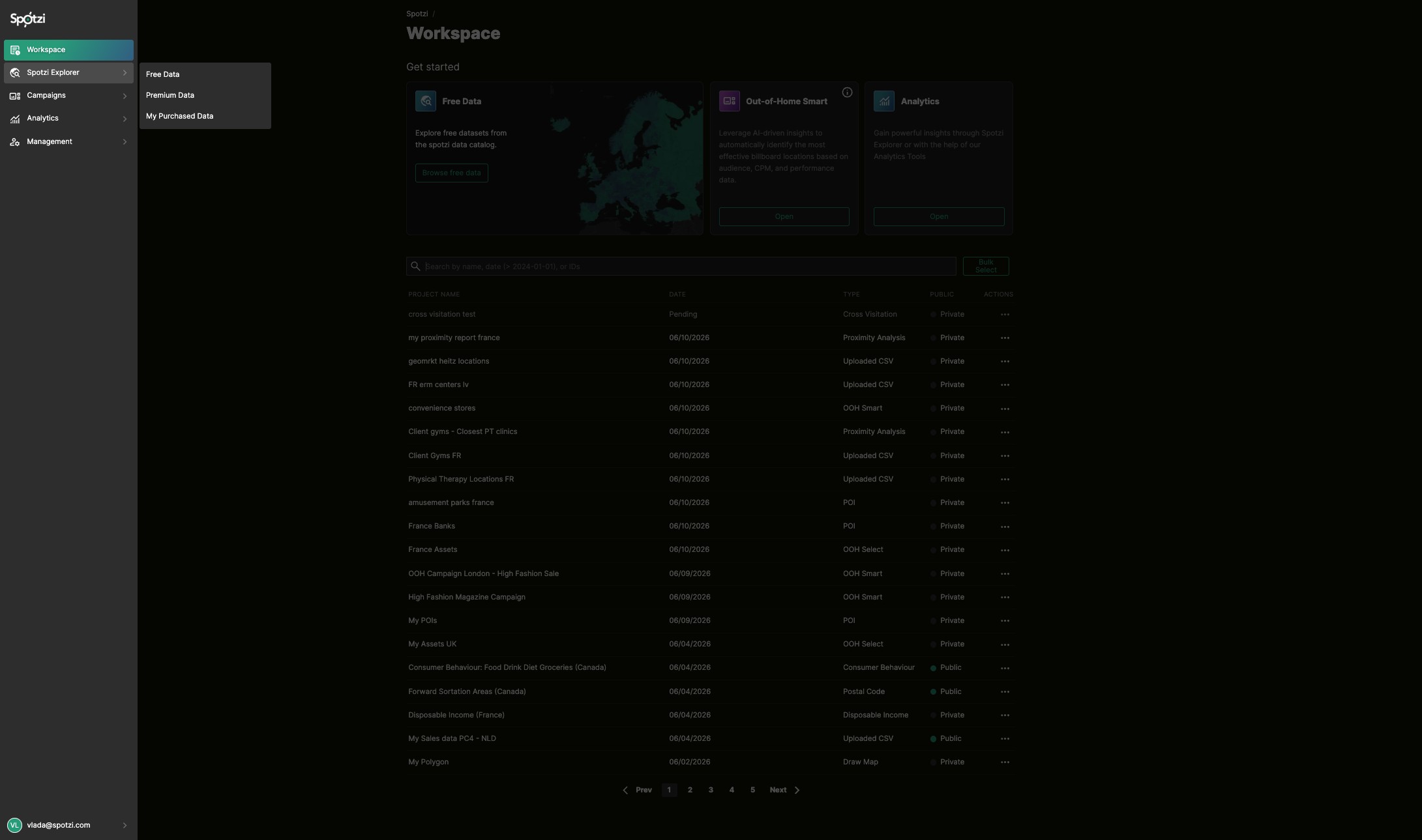
- Open the navigation panel in your Spotzi workspace and click on "Spotzi Explorer".
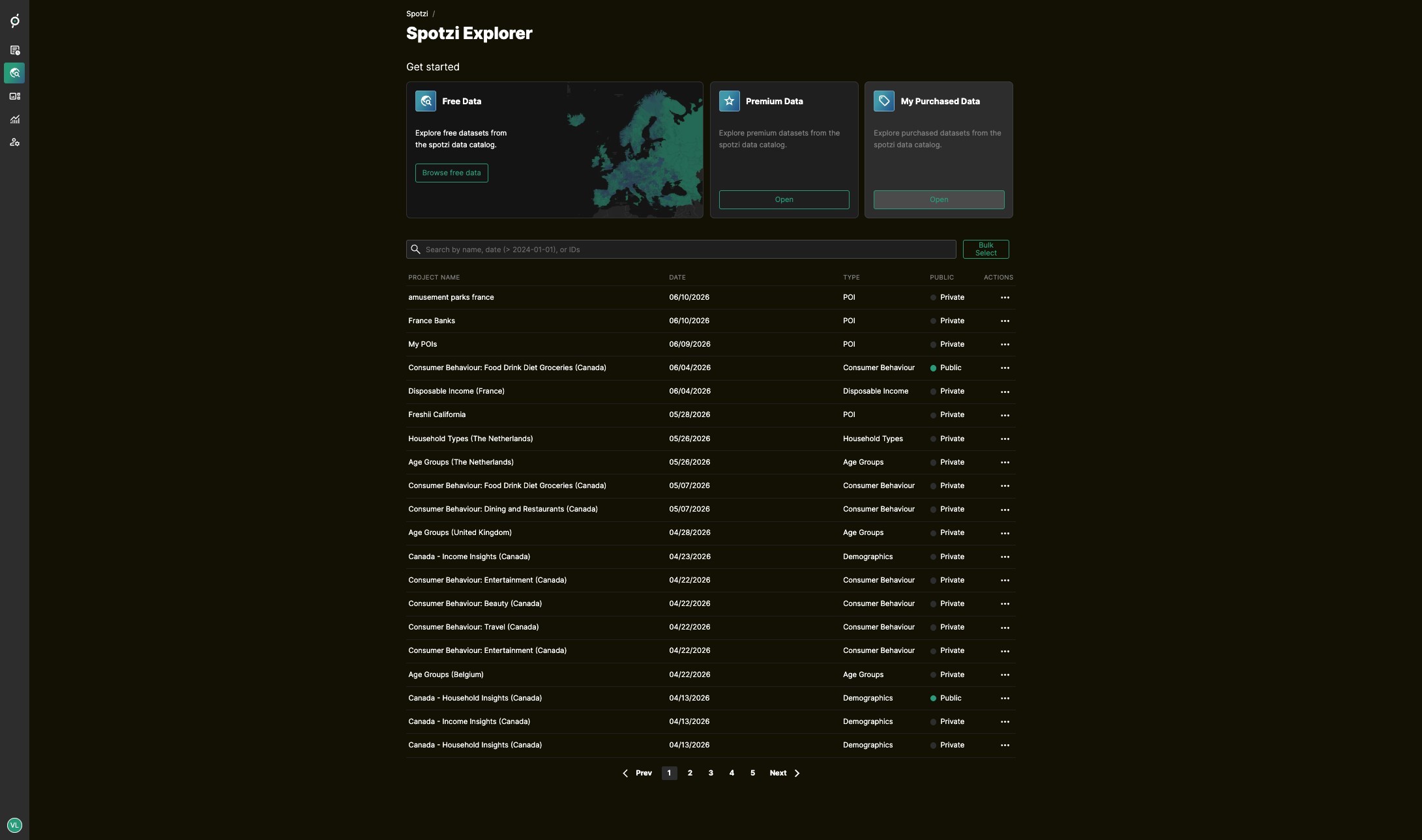
- Navigate to "My Purchased Data" and click "Open".
- Use the filter tags to search for the dataset you'd like to use.
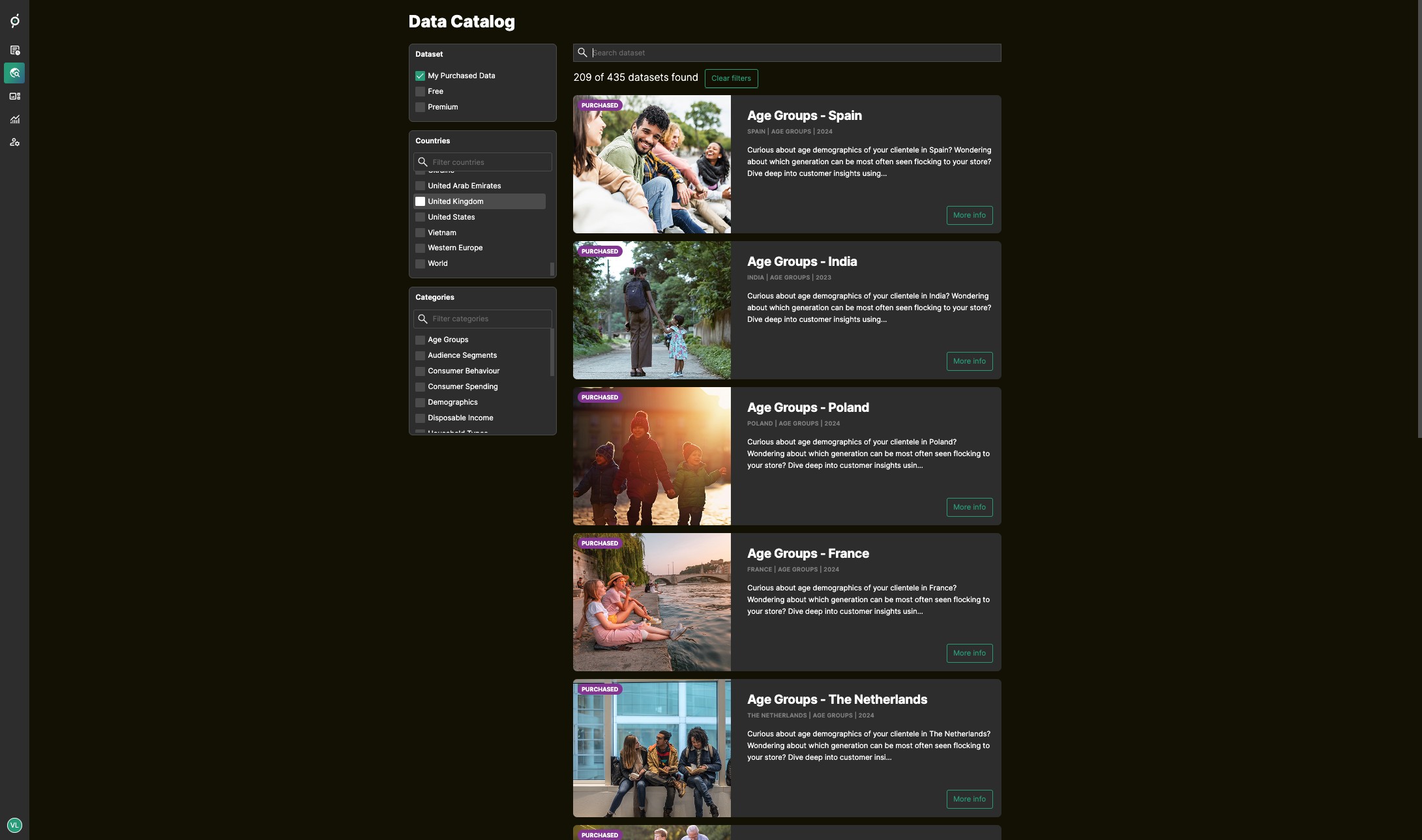
- Select your dataset and click "More Info".
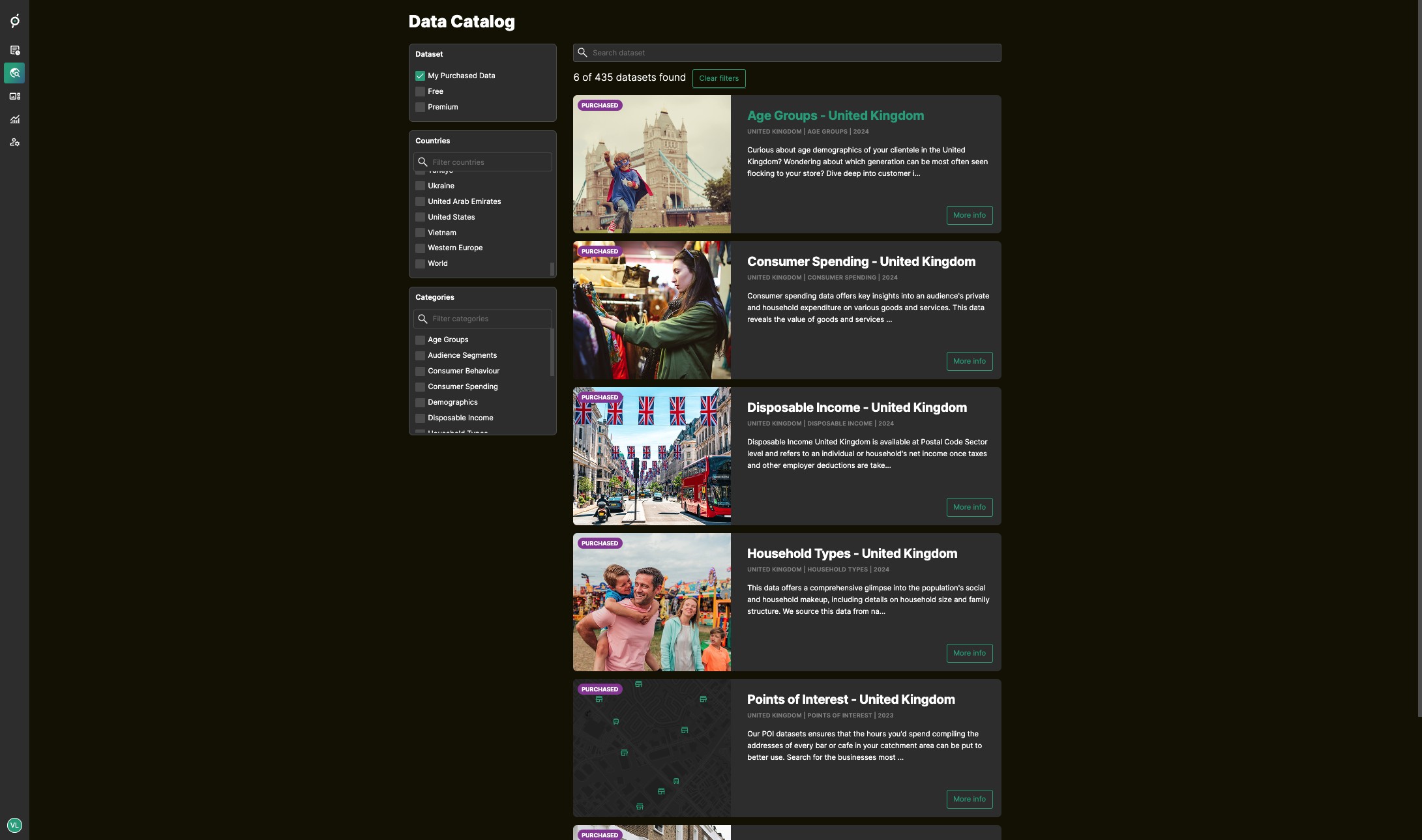
- Click "Add to workspace".
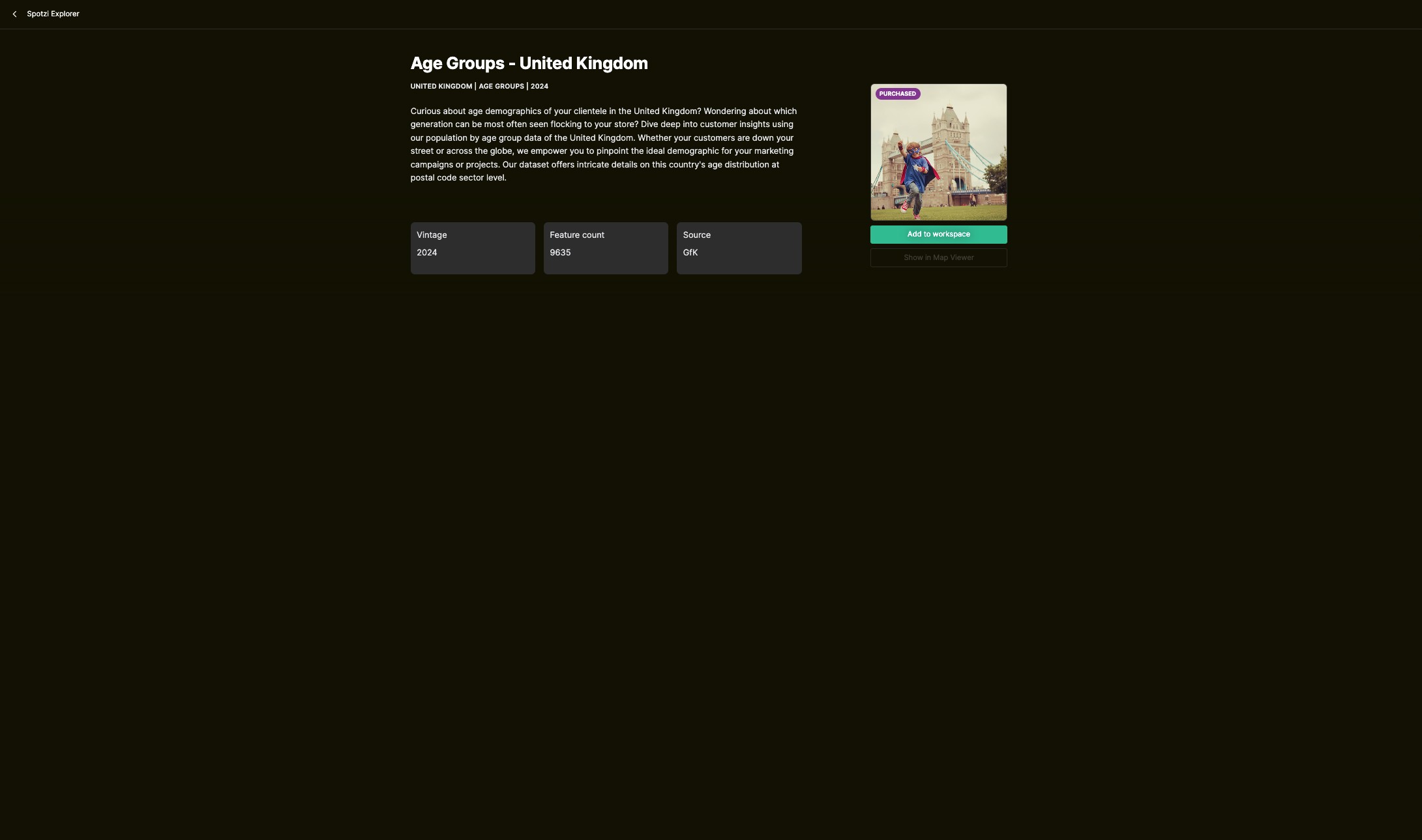
- Name your dashboard and click "Create Dashboard".
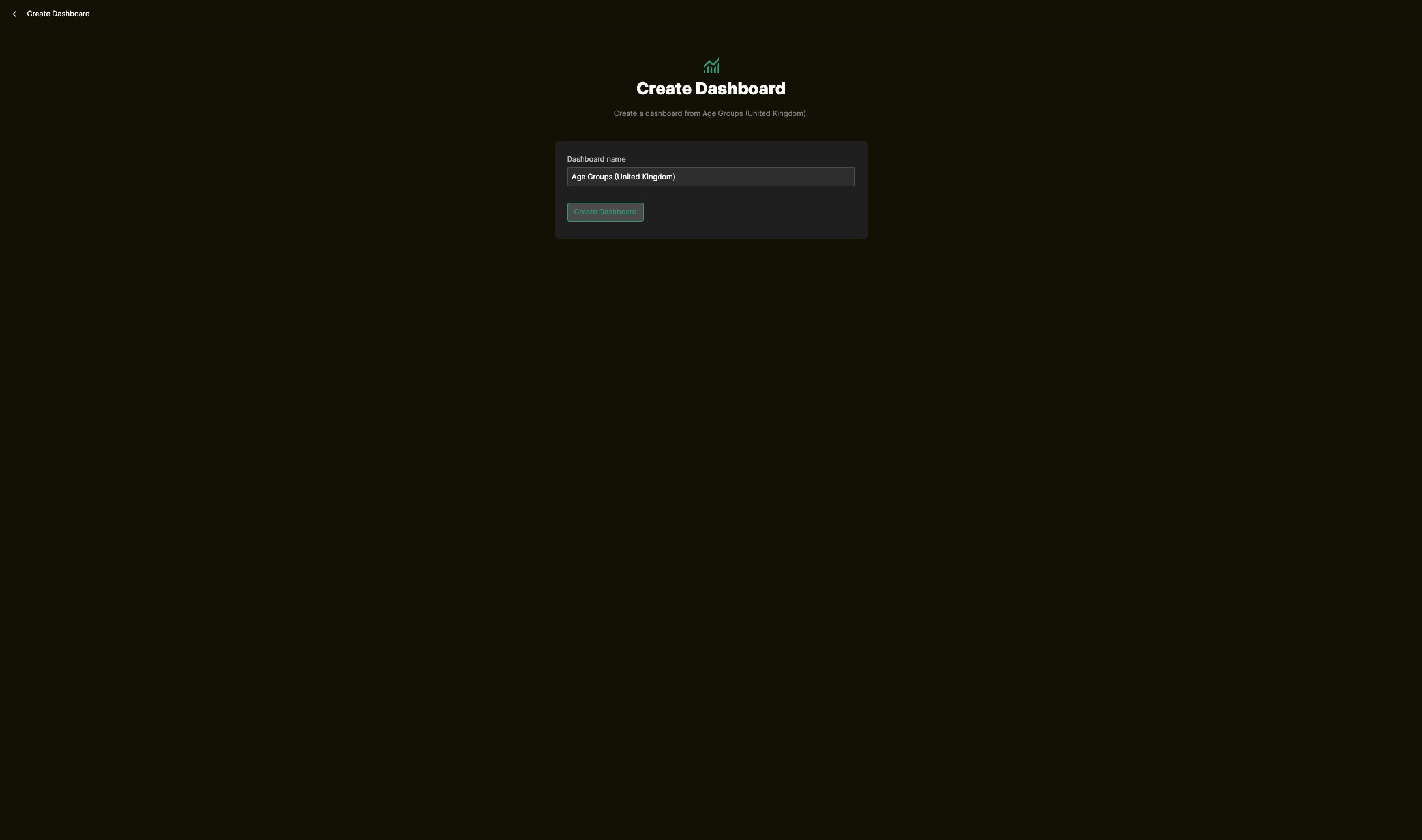
- A dashboard featuring a map with the premium data you selected will open.
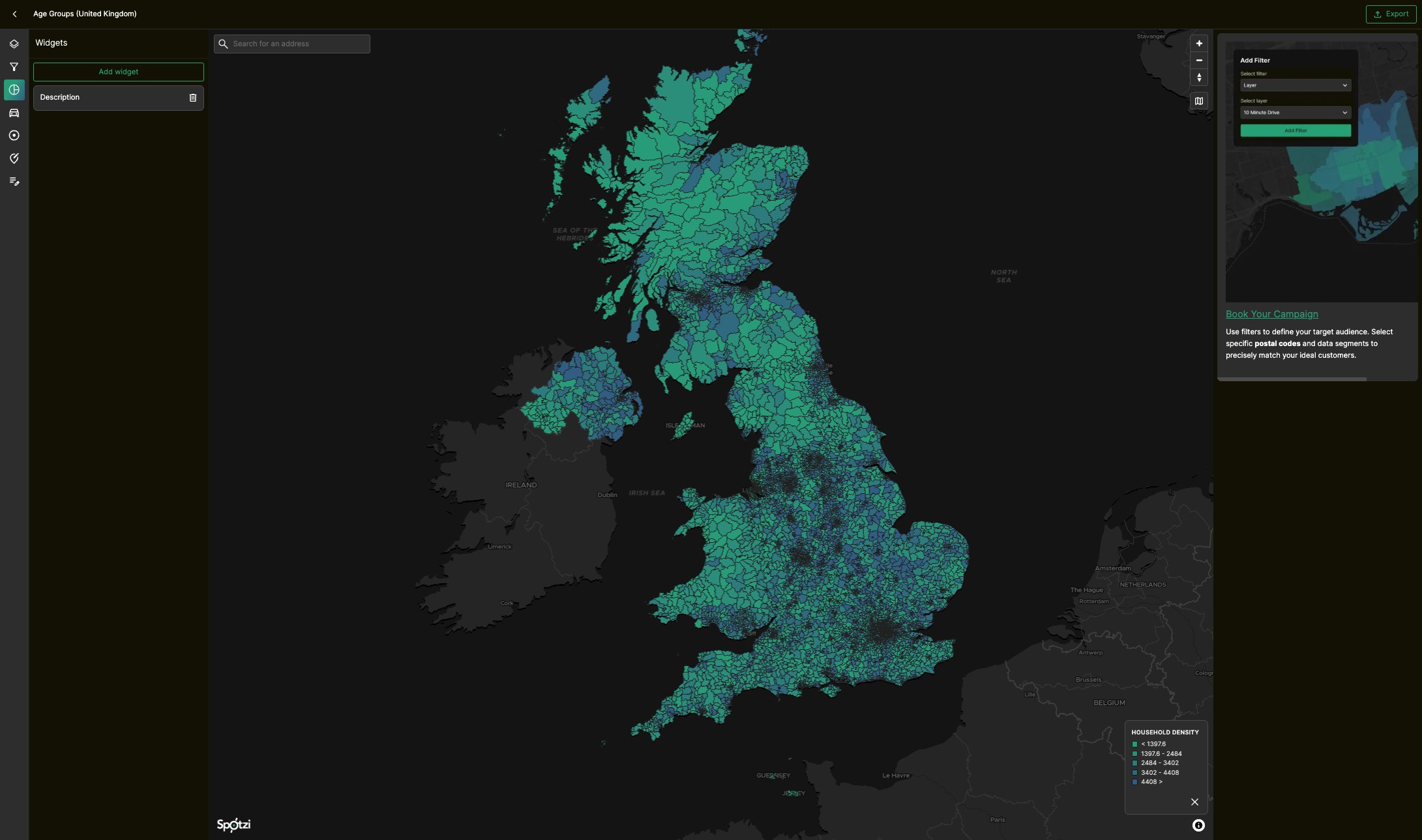
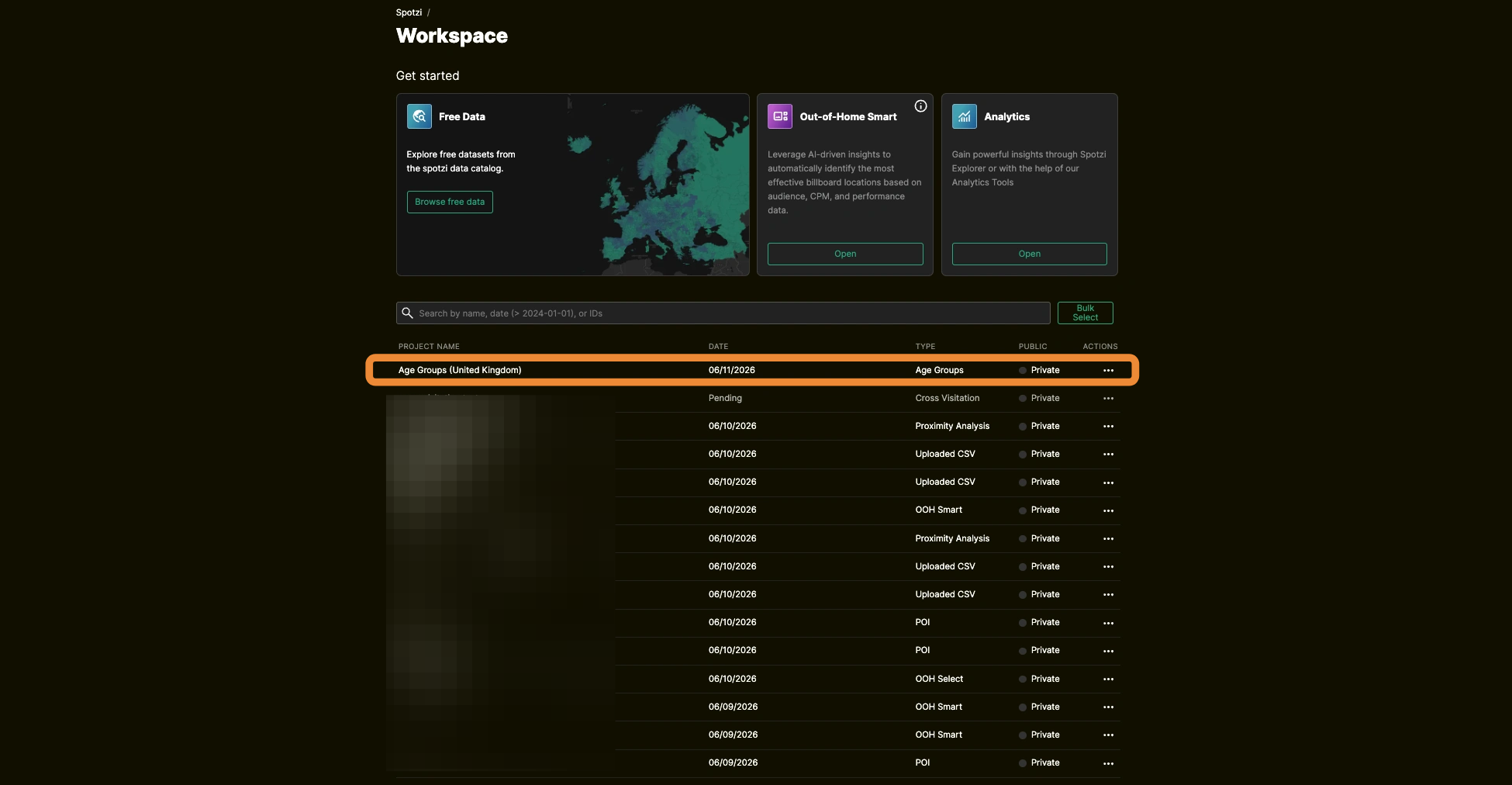
- This dashboard can also be found listed in your workspace.
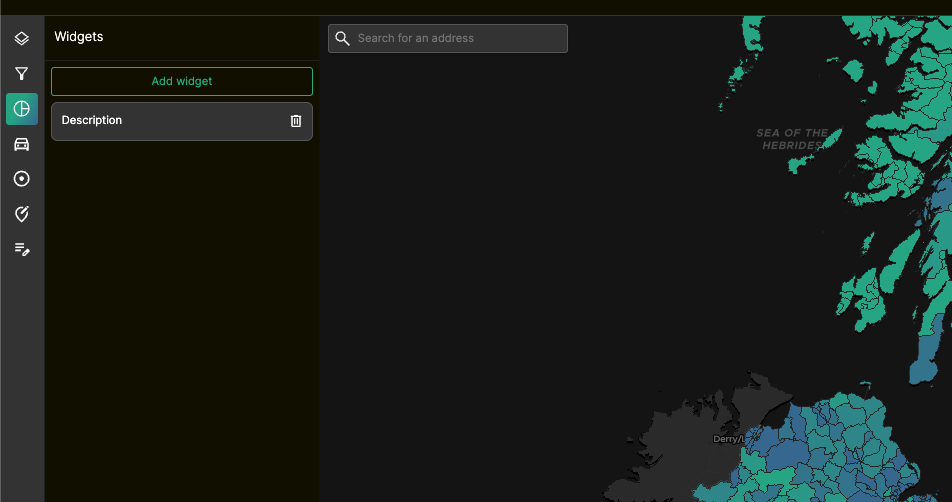
- You can begin adding your own dashboard widgets by navigating to the widget icon on the left.
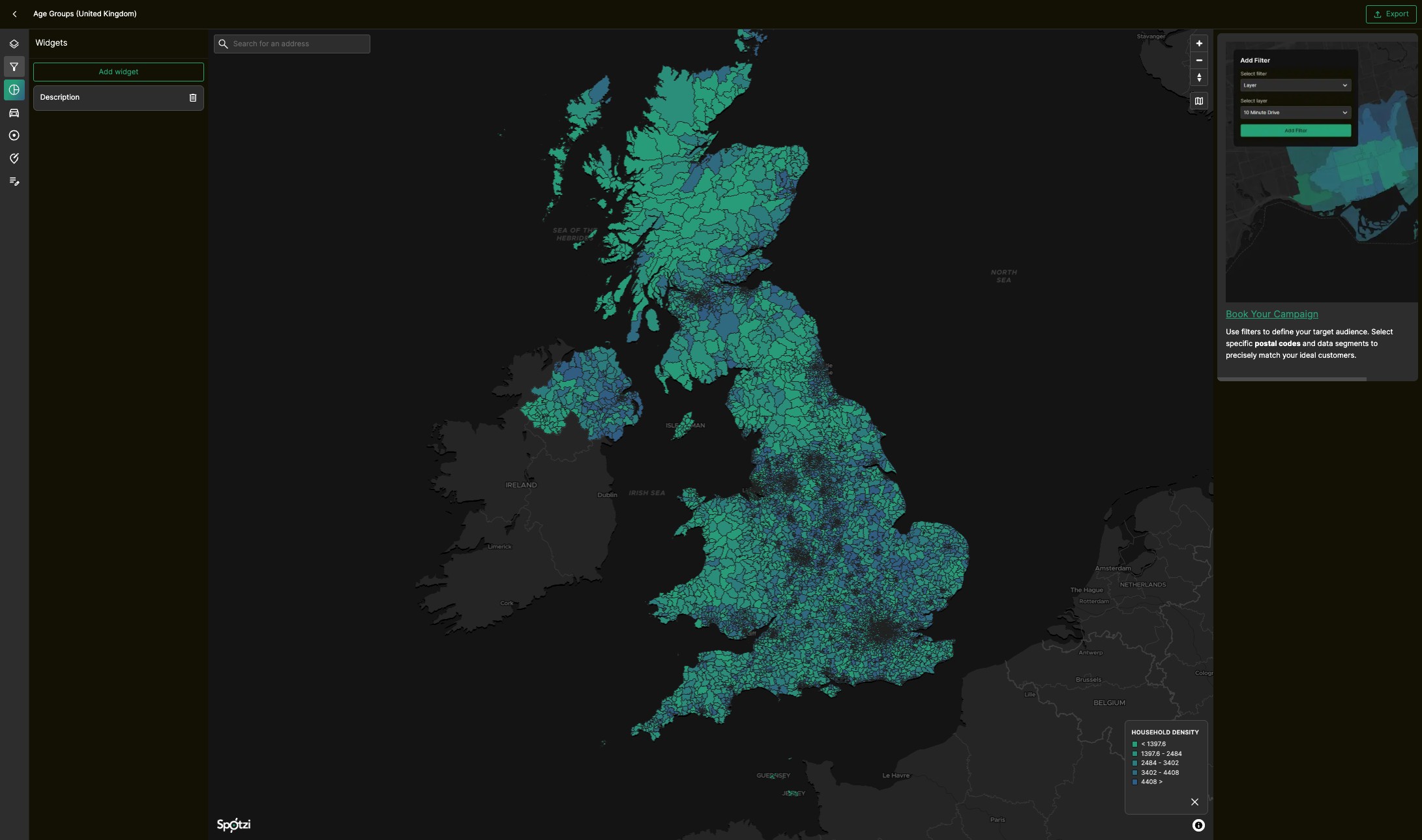
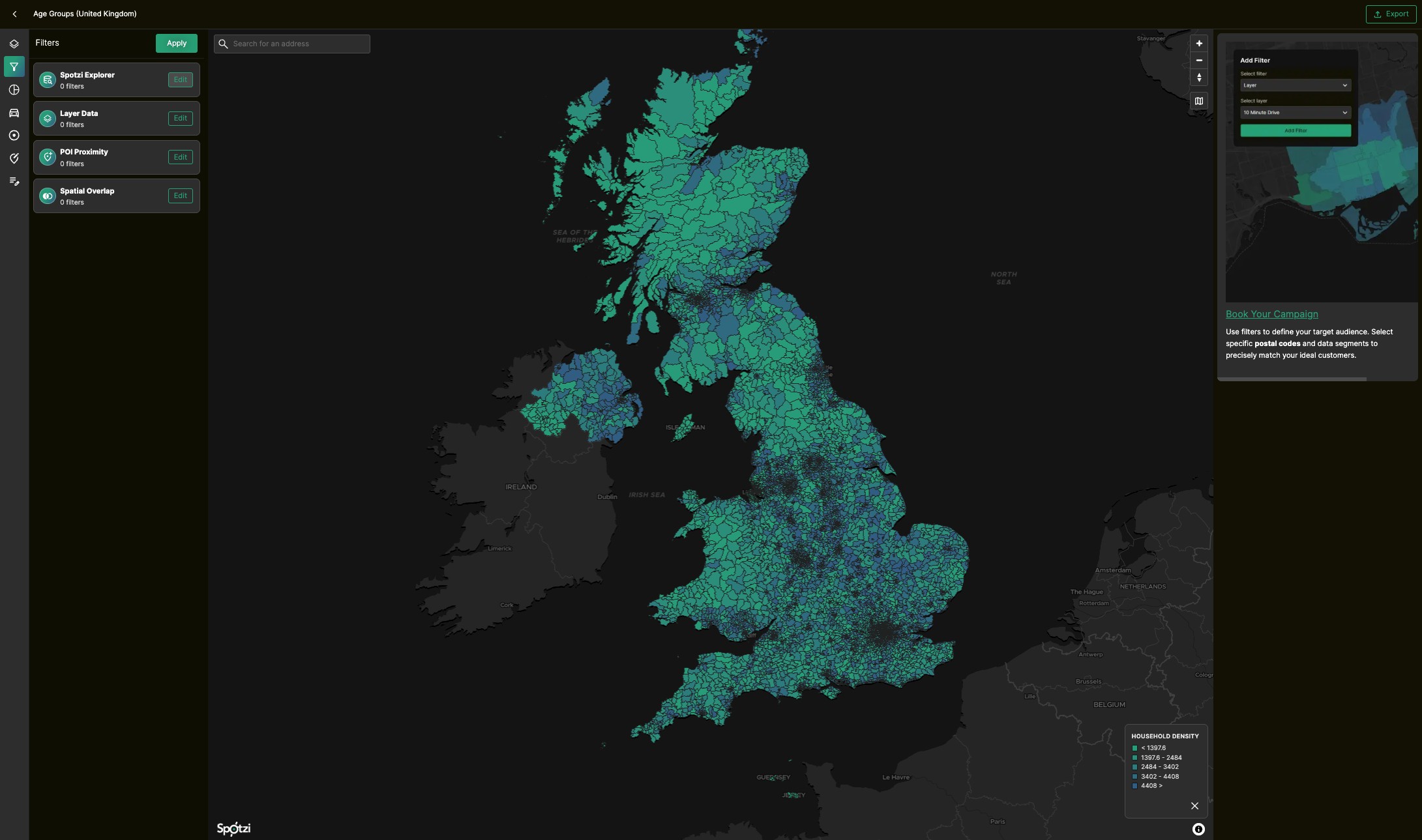
- Use the filter panel on the left to add filters to your dashboard. Your map will change to display only the locations matching your selected filters.
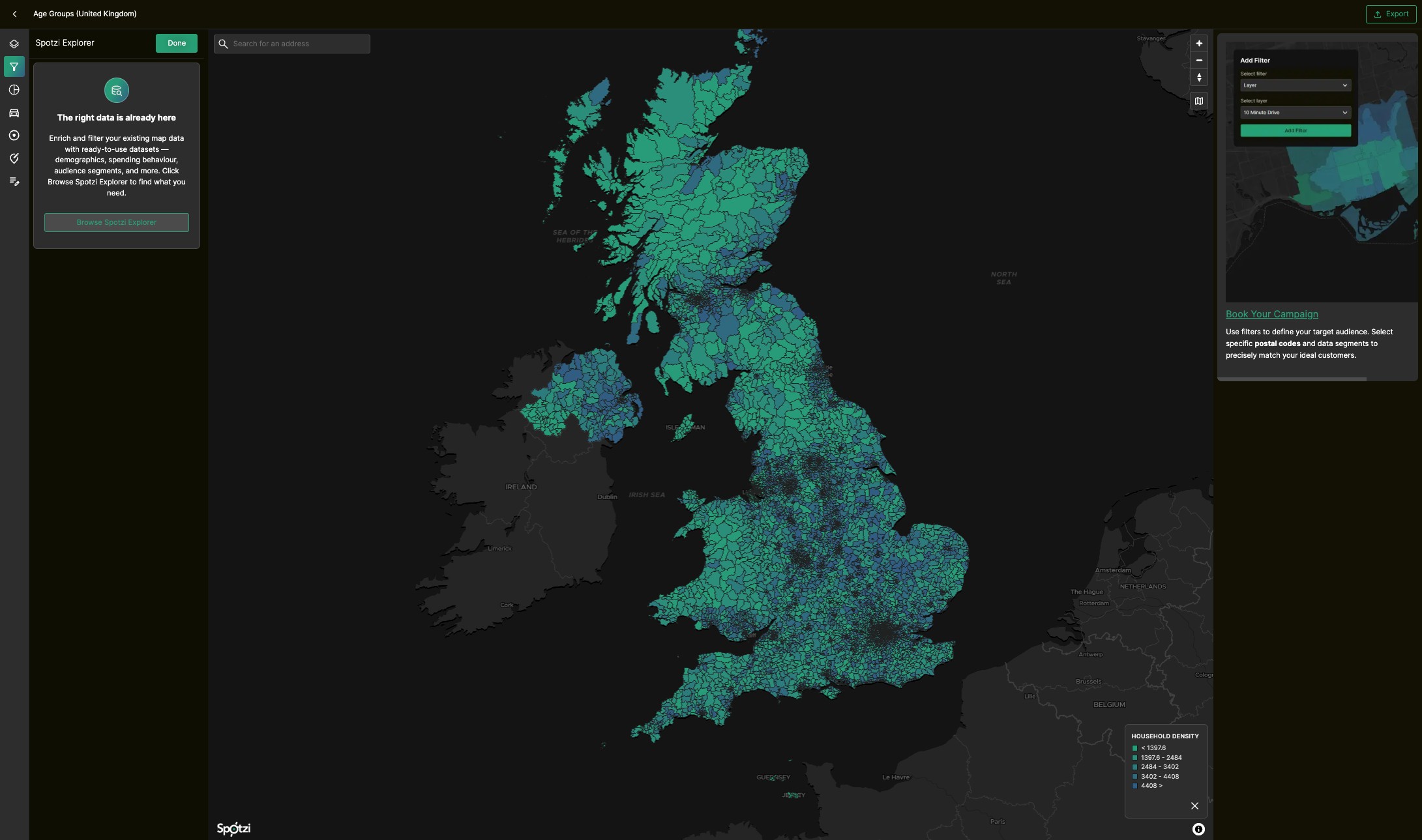
- To add filters using Spotzi’s premium audience data, go to the "Spotzi Explorer" filter option and click "Edit".
- Click "Browse Spotzi Explorer".
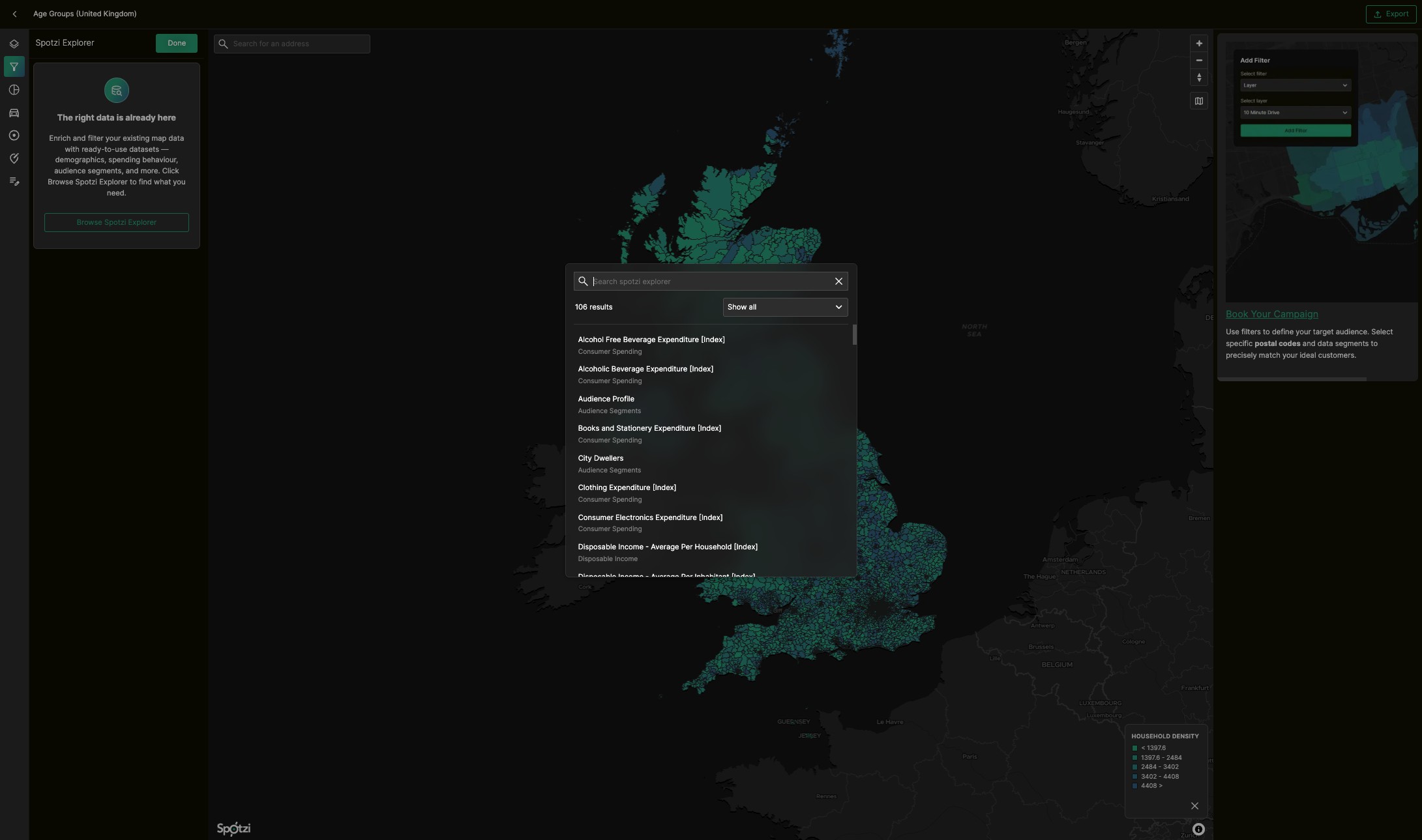
- You can search for a data variable using the search bar, or select a variable from the unfiltered list.
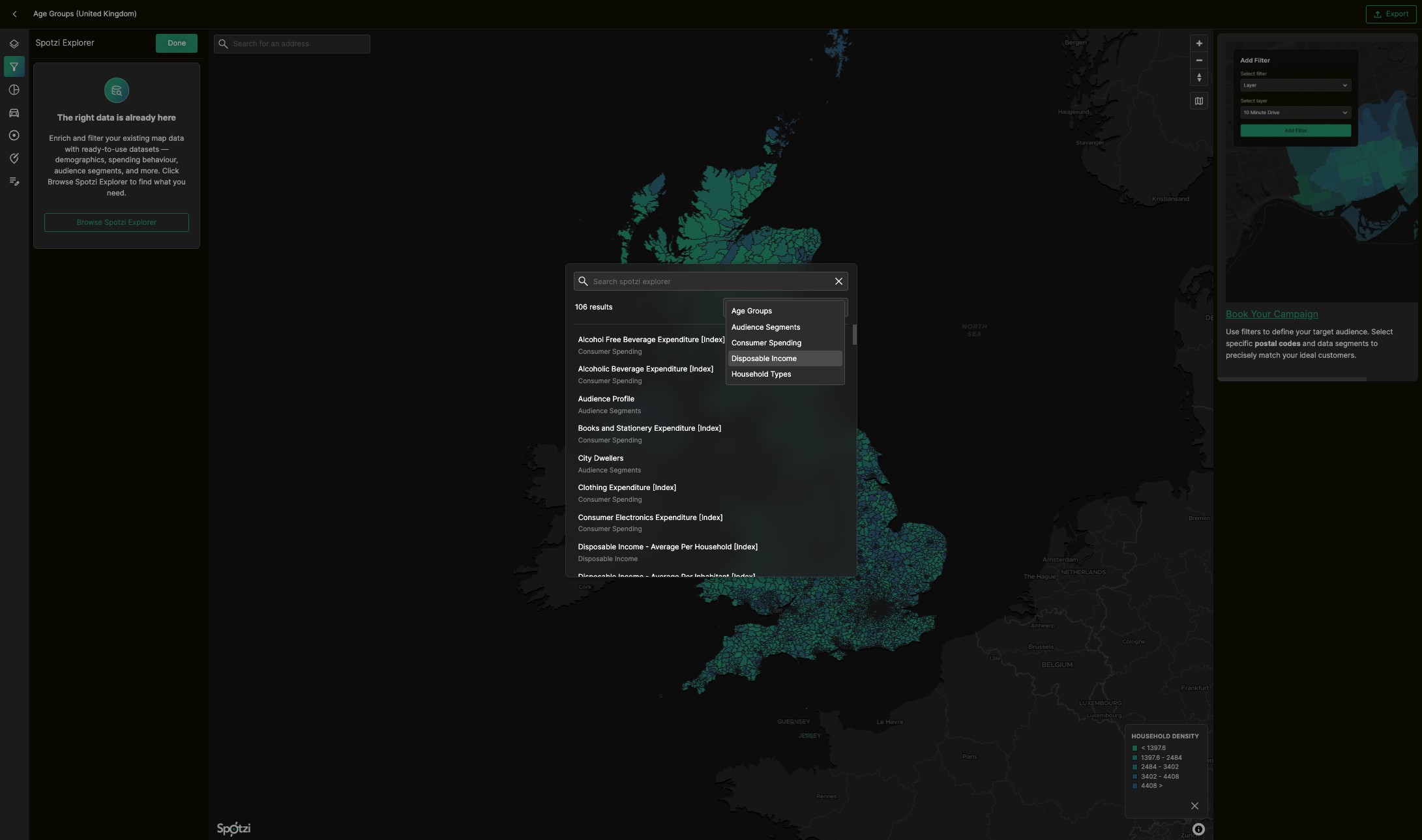
You may also click on the dropdown menu to select the specific Spotzi Explorer dataset you'd like to search in.
- Click on the dataset you'd like to use.
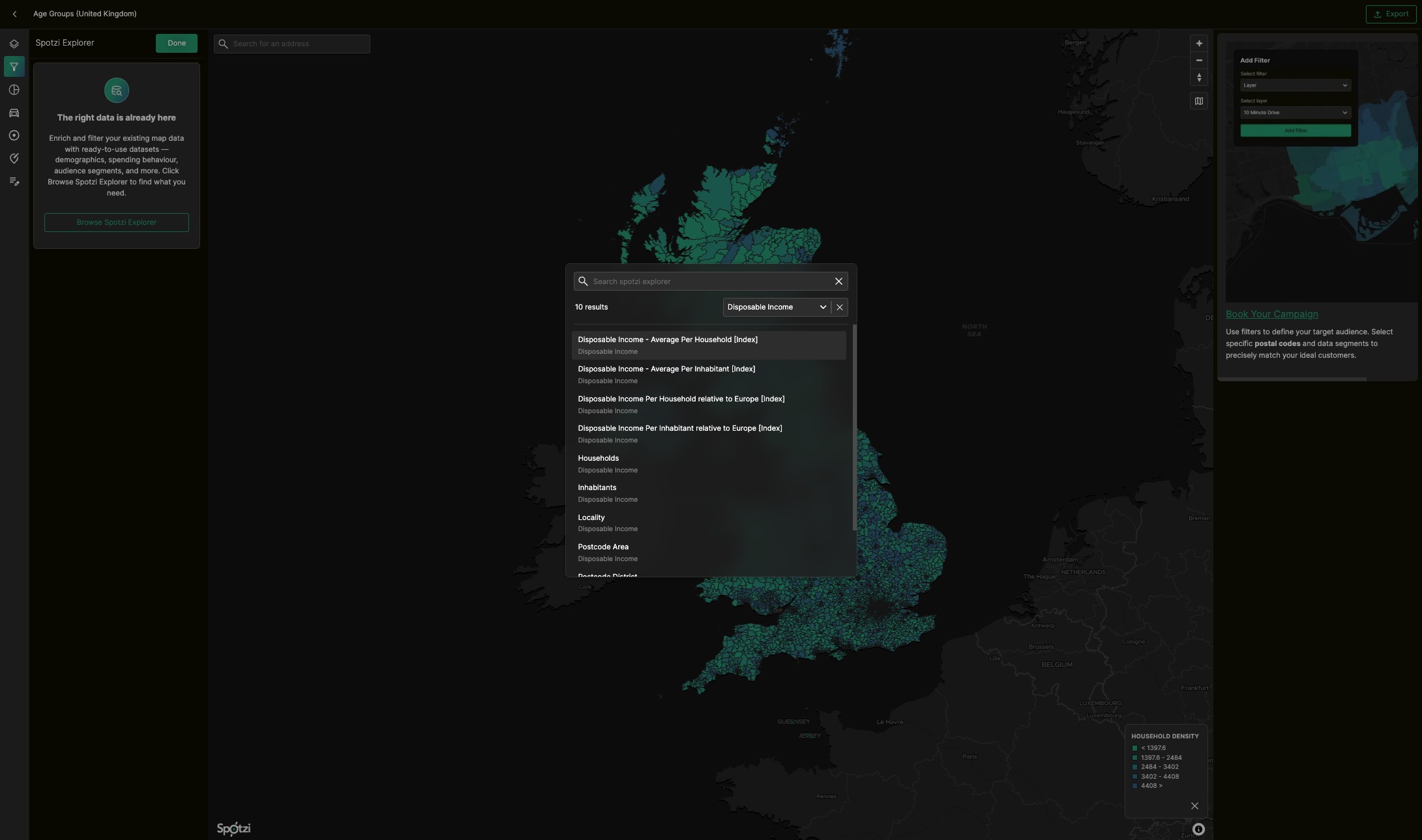
- Click on the variable you'd like to use as a filter.
- Continue to click on the variables that define your target audience.
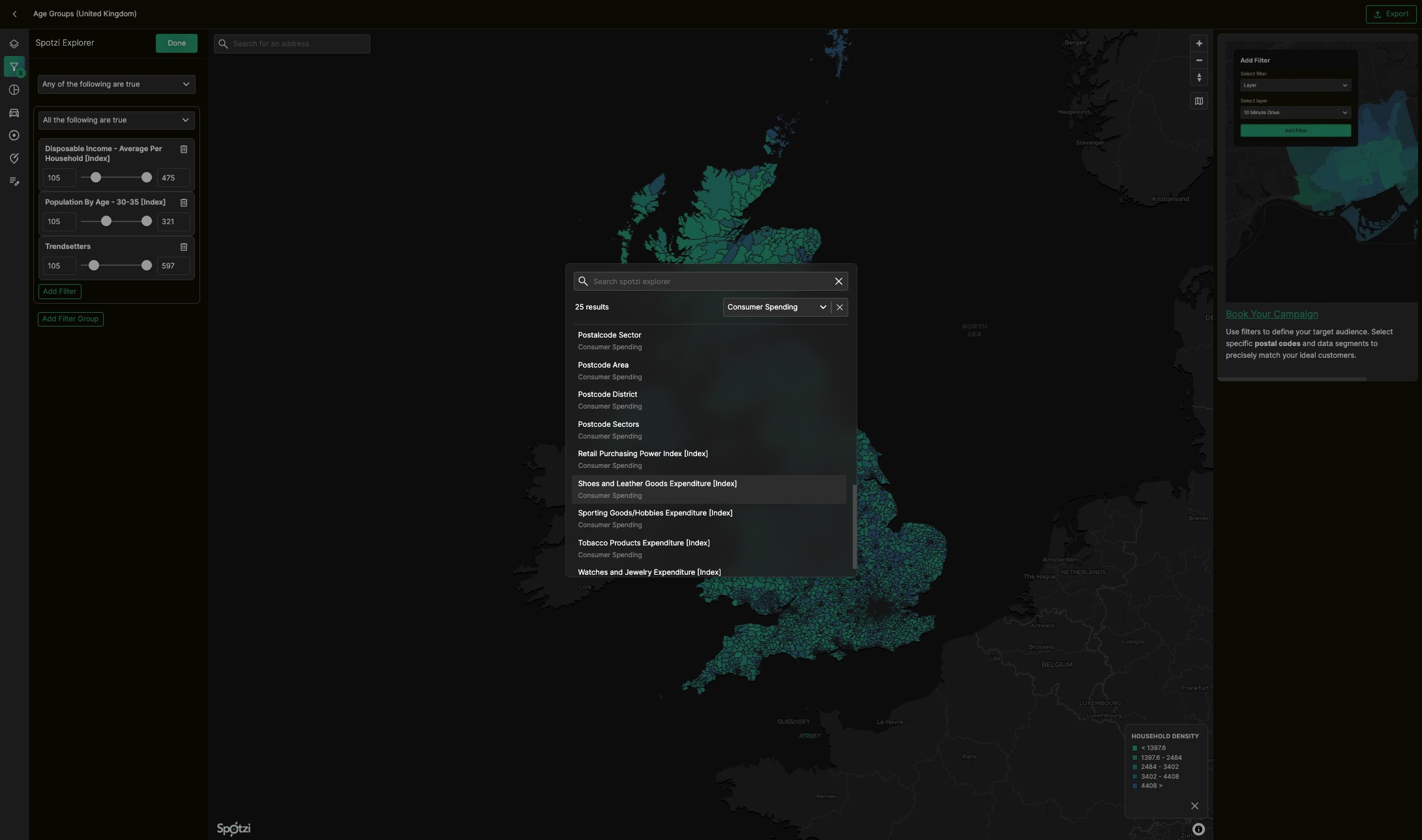
- All of the variables you select will be added to your filter panel.
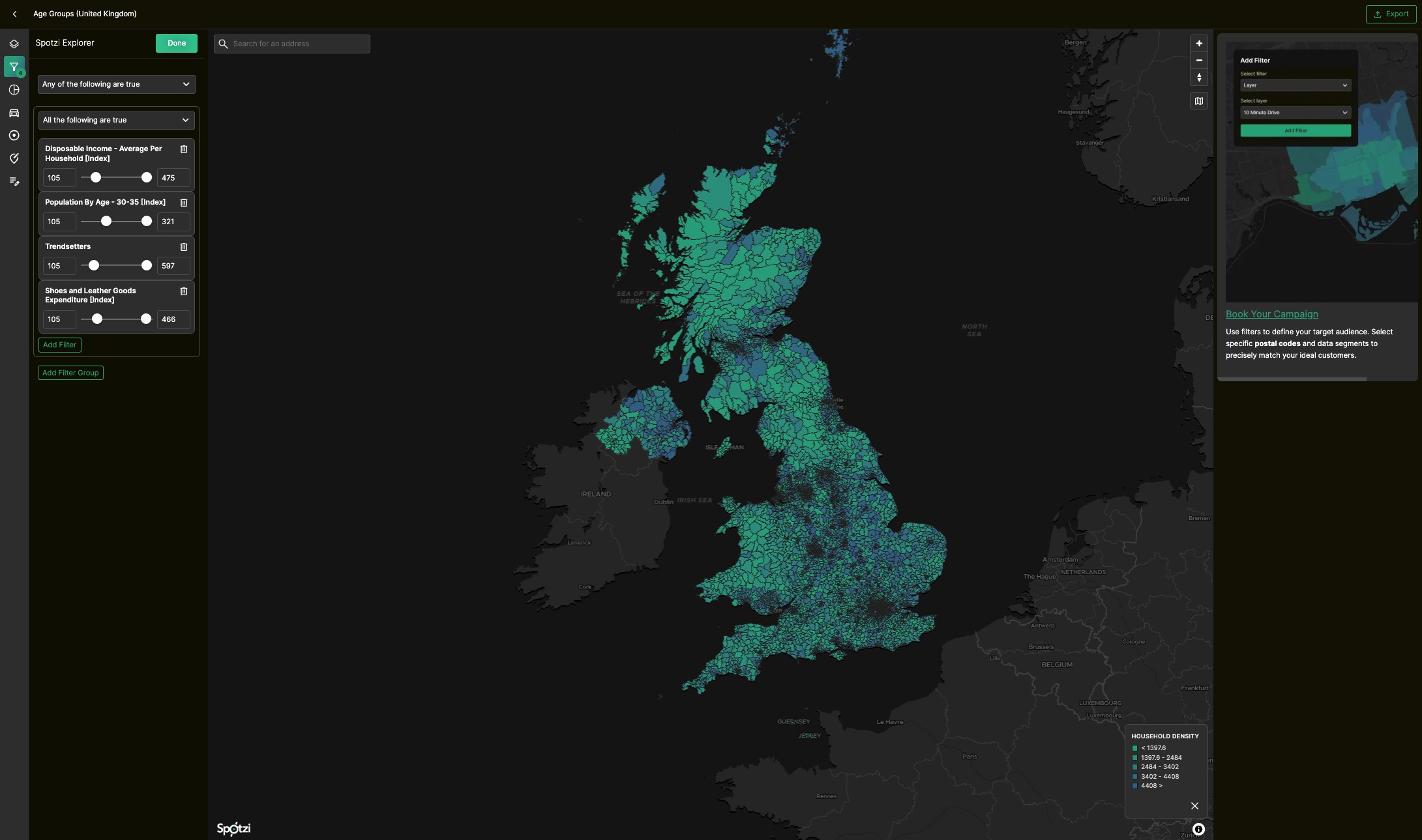
- Click "Apply" when you're happy with your filter selection.
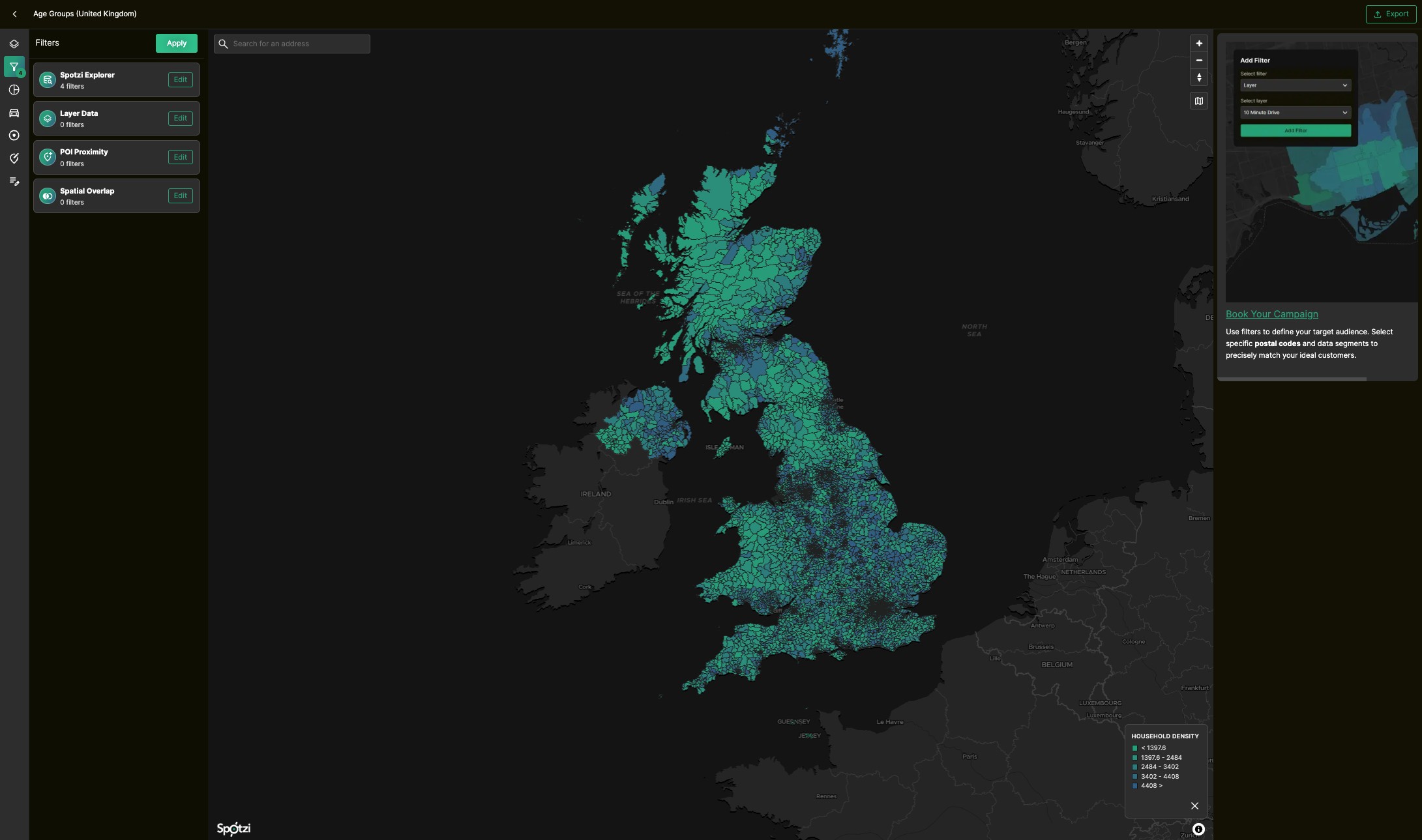
- Your map will update to show only the postal codes that match your selected filters. These are the postal codes whose inhabitants most closely match your target audience.
You can continue adding filters to target postal codes in a specific market or based on proximity to points of interest.
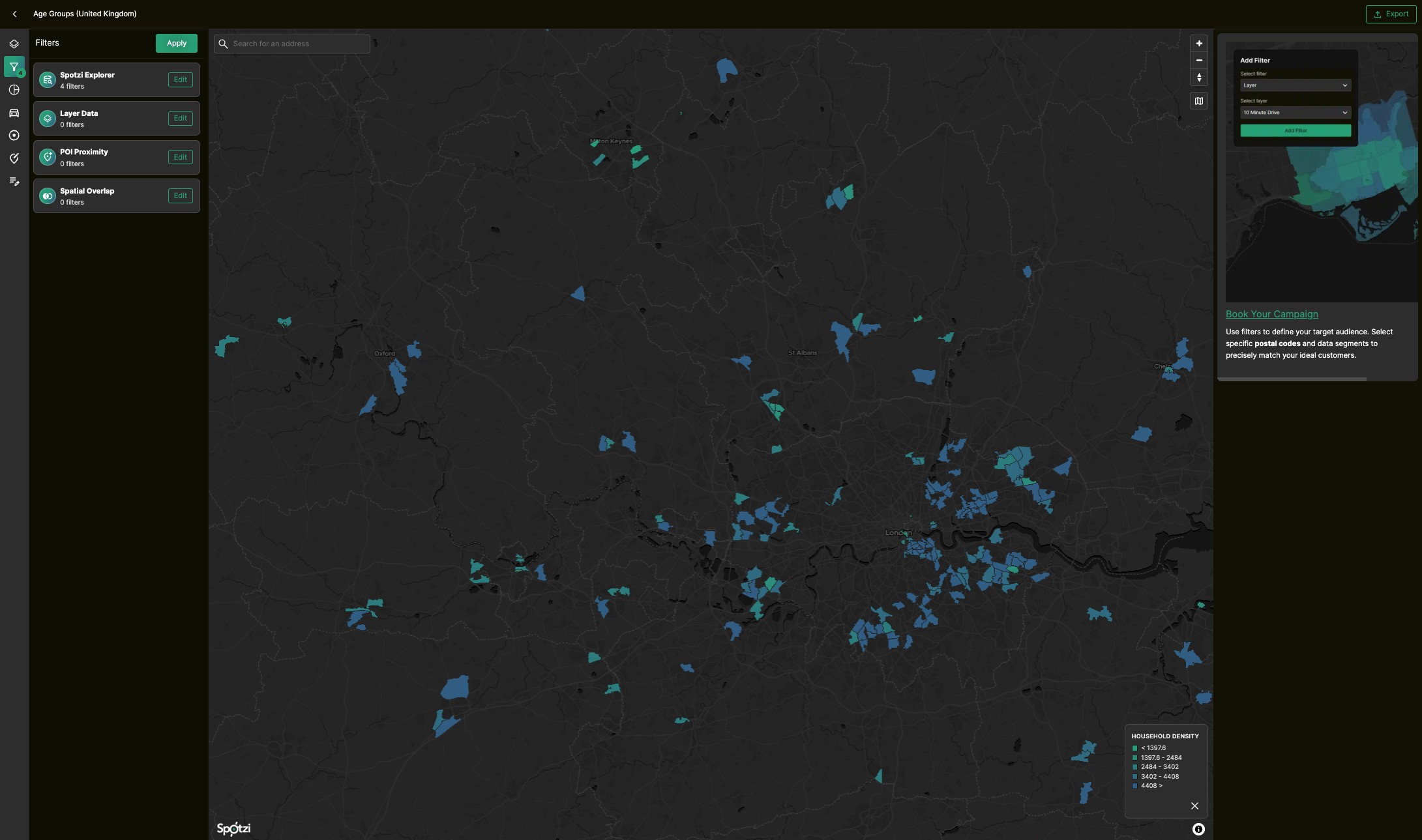
- Click "Book Your Campaign" when you're happy with your postal code selection.