Made by Remco Dolman with Scribe
Use Spotzi's Creative Testing tool to generate realistic billboard mockups using your actual OOH inventory photos. Create AI-generated brand messaging or upload existing creative to instantly visualize how your ads will appear on each asset.
Use this tool to create presentation-ready visuals, plan campaigns across different asset networks, and preview creative concepts before launch.
Step-by-step
- Navigate to a dashboard containing your OOH assets.
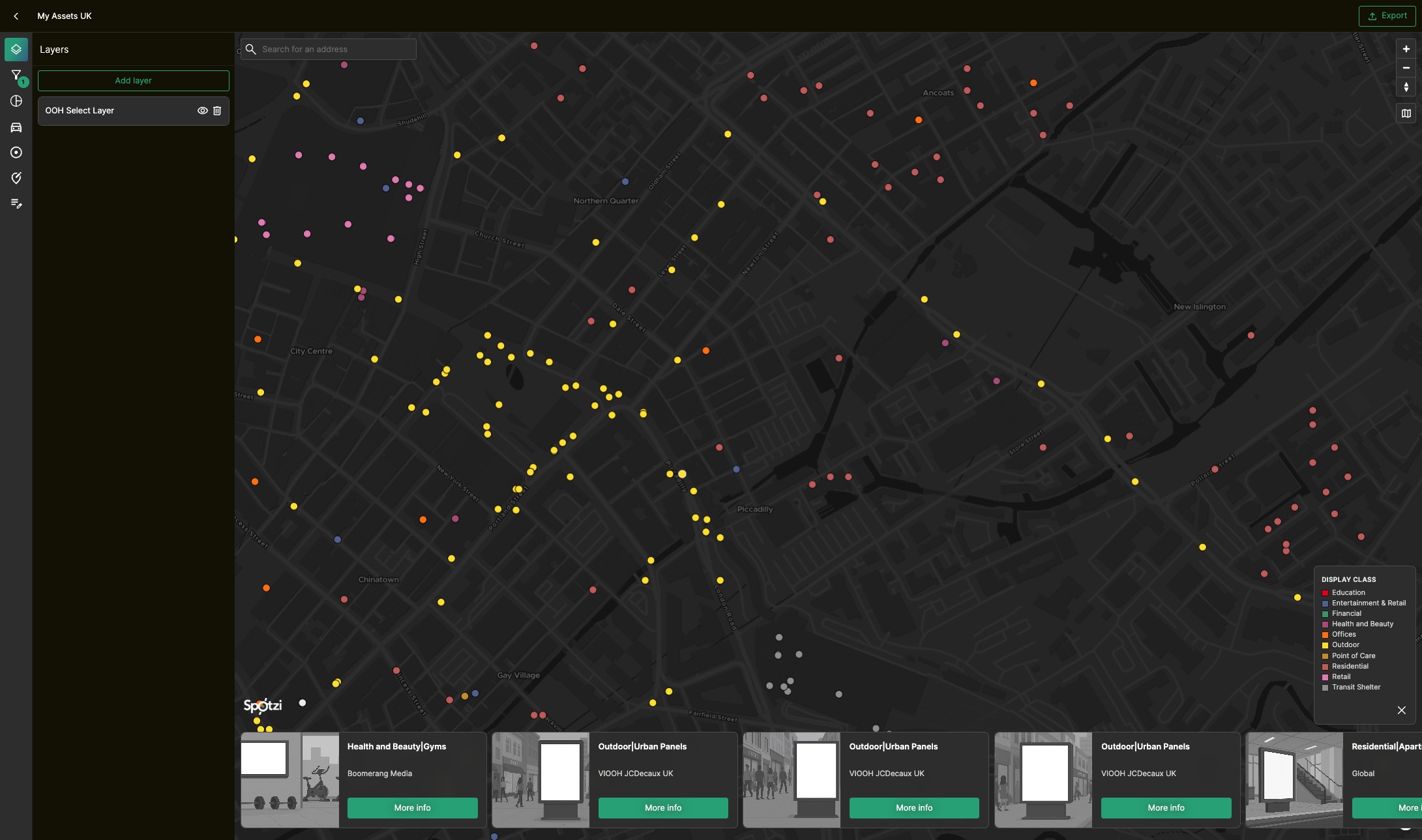
- Ensure that both the Tooltip and Mockup tools are enabled for your asset layer.
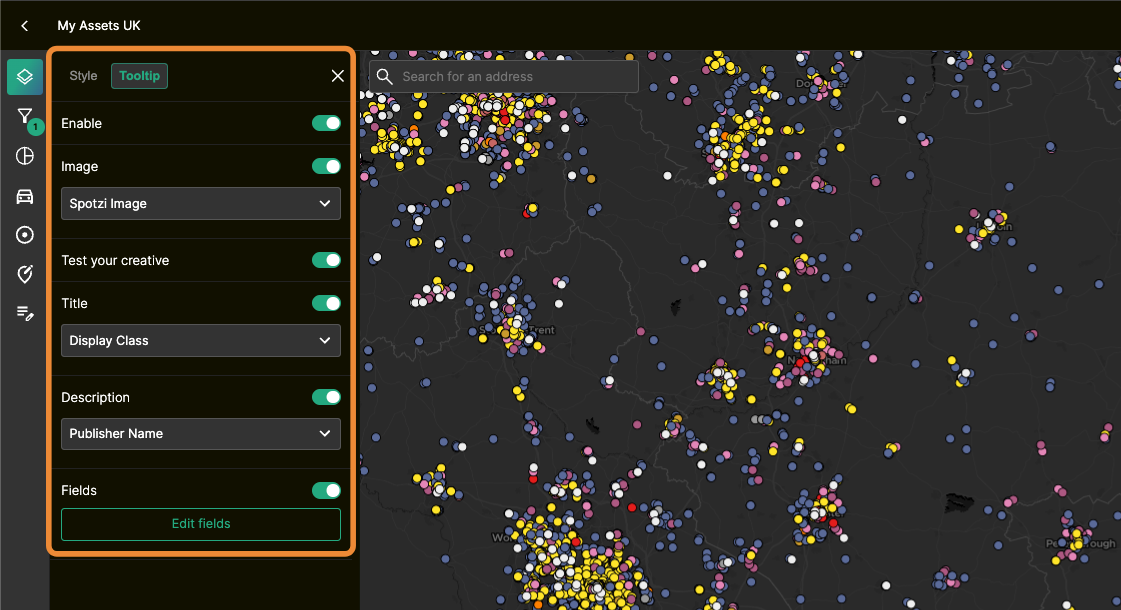
- Click an asset to open its tooltip.
If a carousel is enabled in your dashboard, you can also open the tooltip by clicking "More Info" in the carousel.
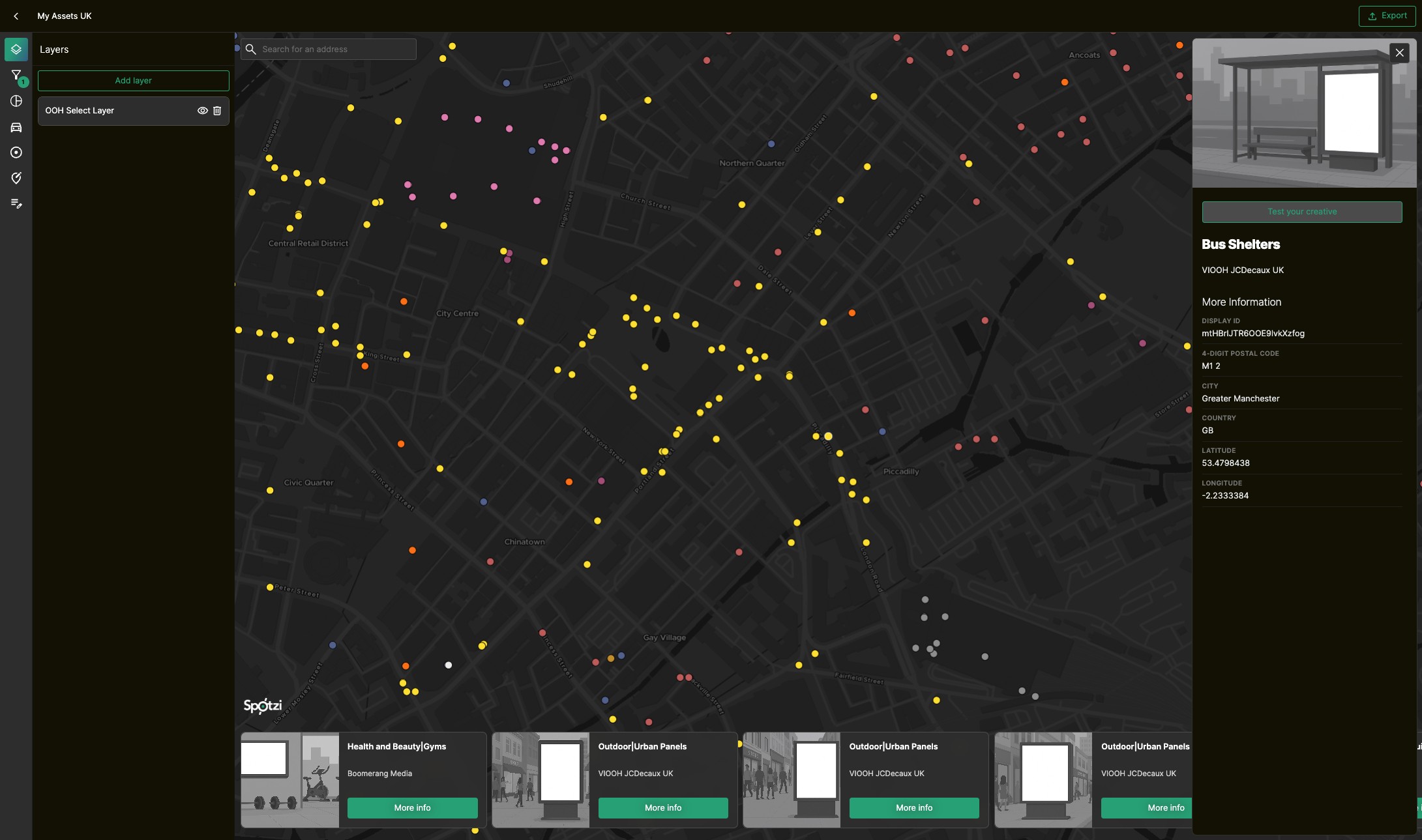
- The asset tooltip will appear on the right side of your dashboard.
Click "Test your creative".
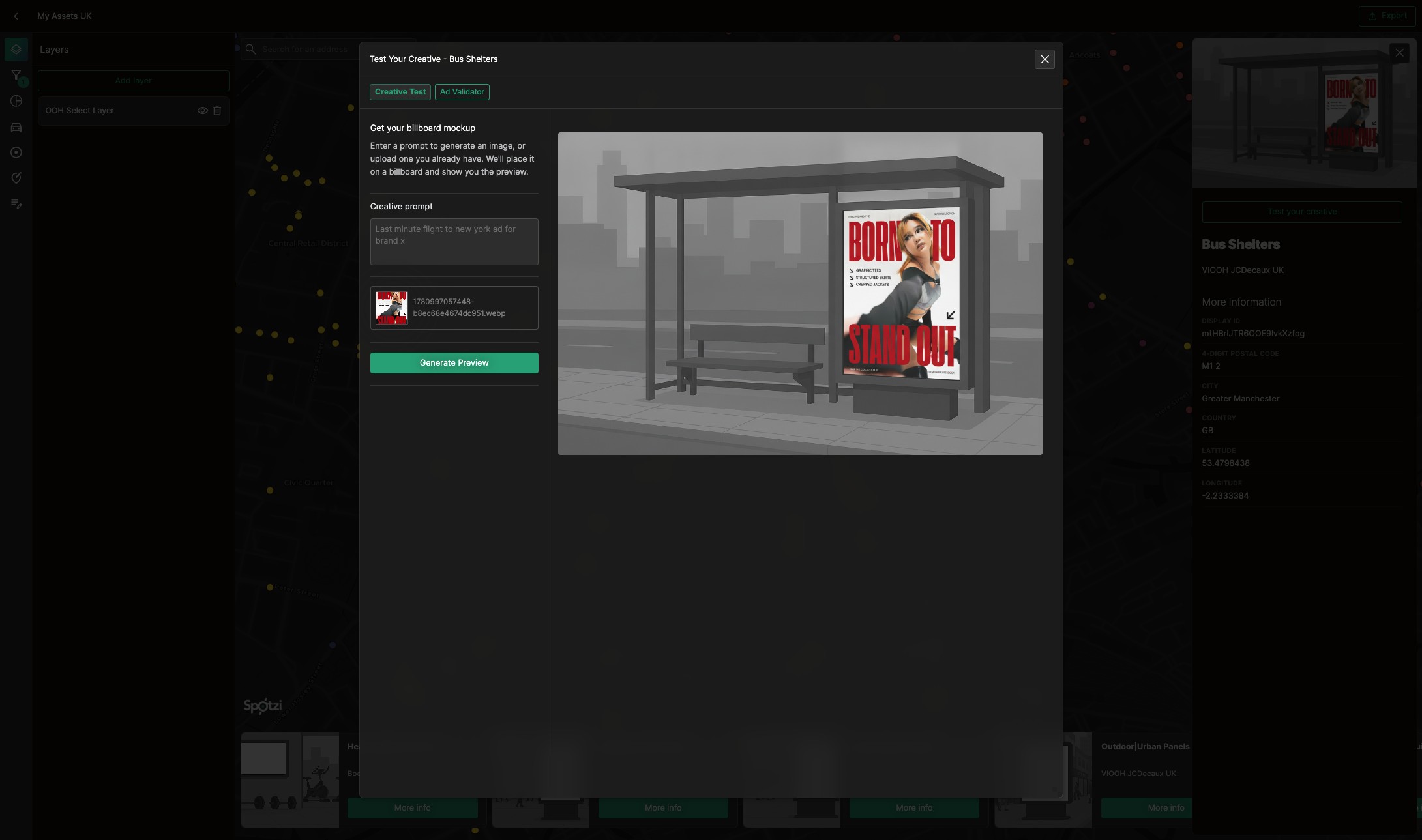
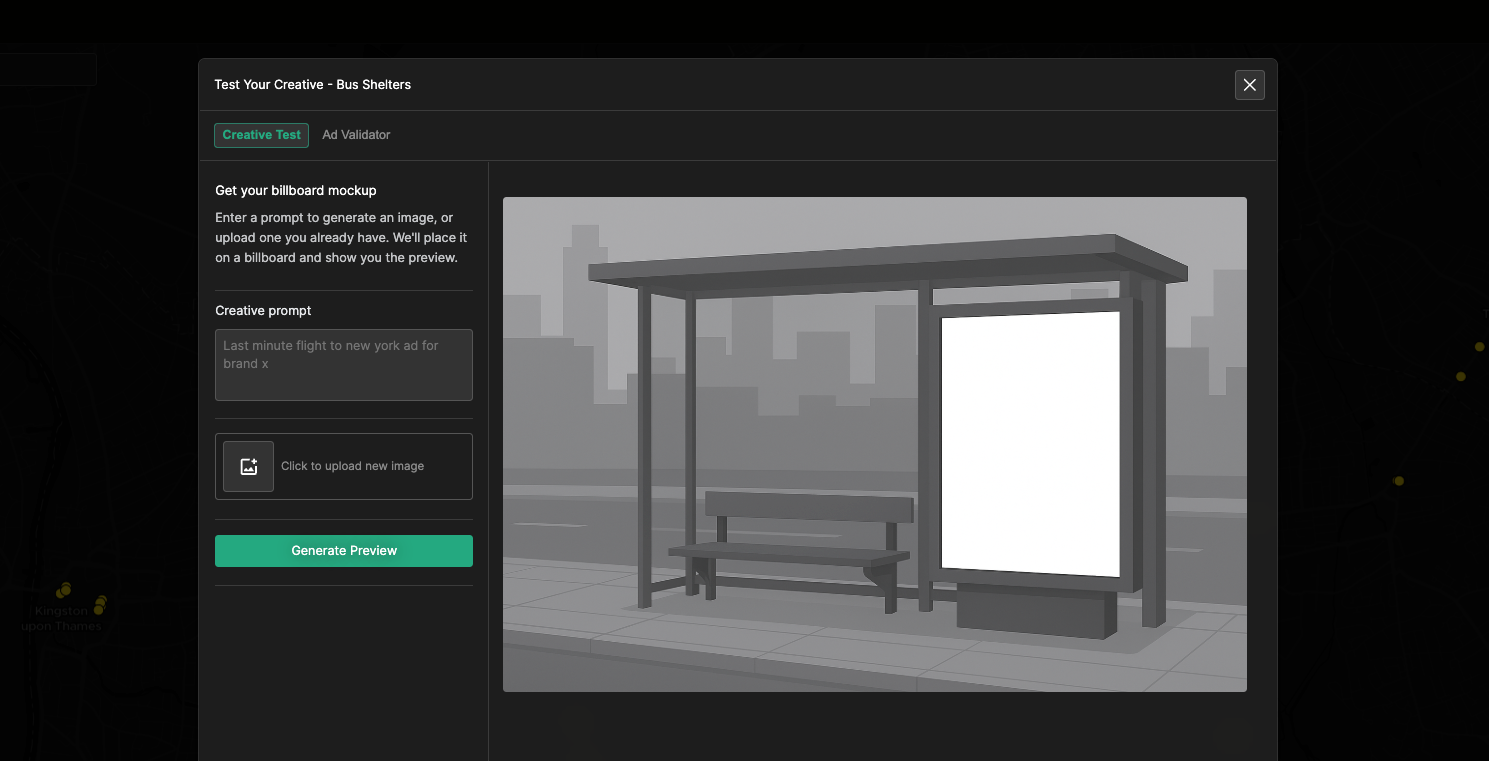
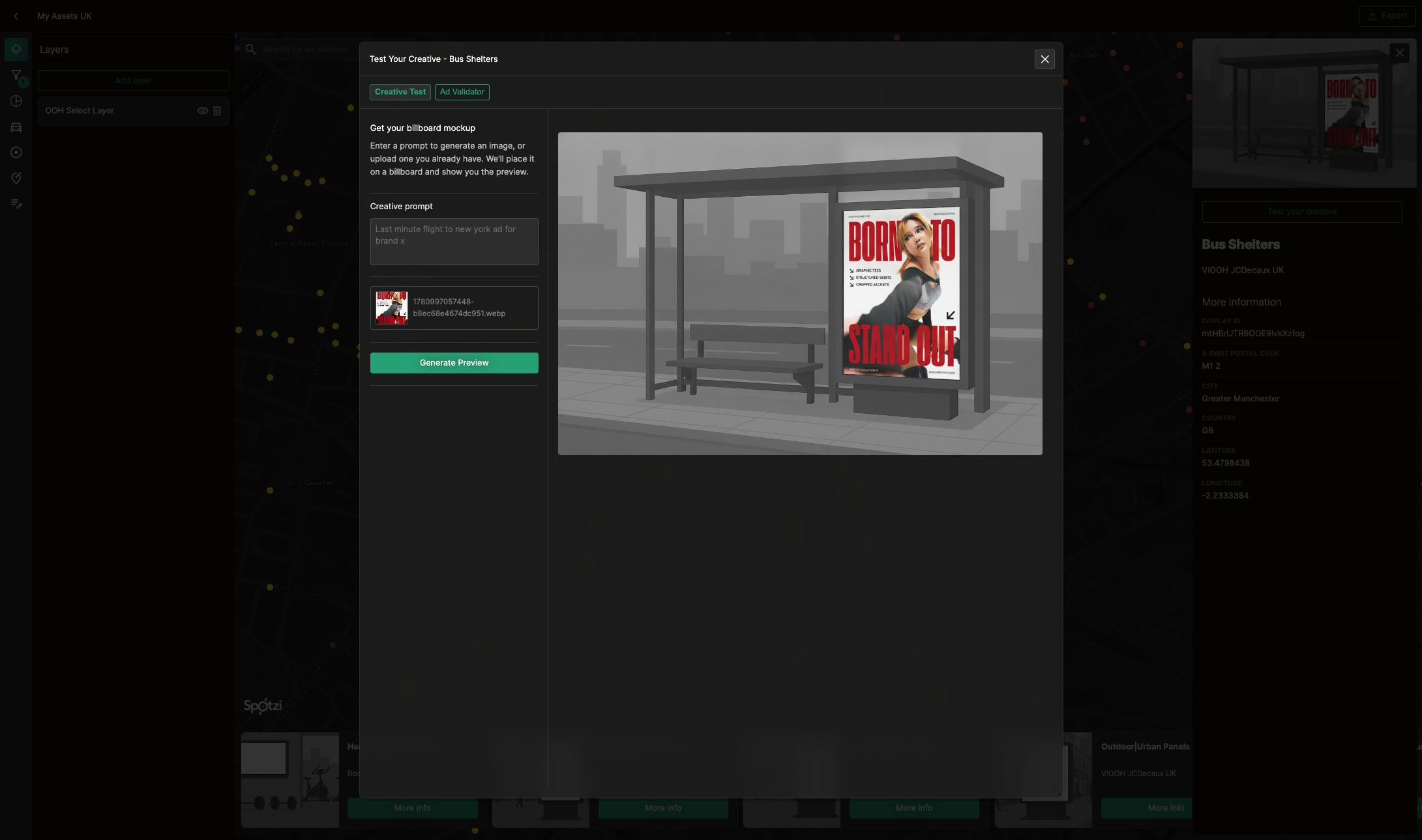
- The Creative Testing interface will open.
This tool allows you to create mockups using real asset images, helping you visualize how your campaign will appear across your inventory.
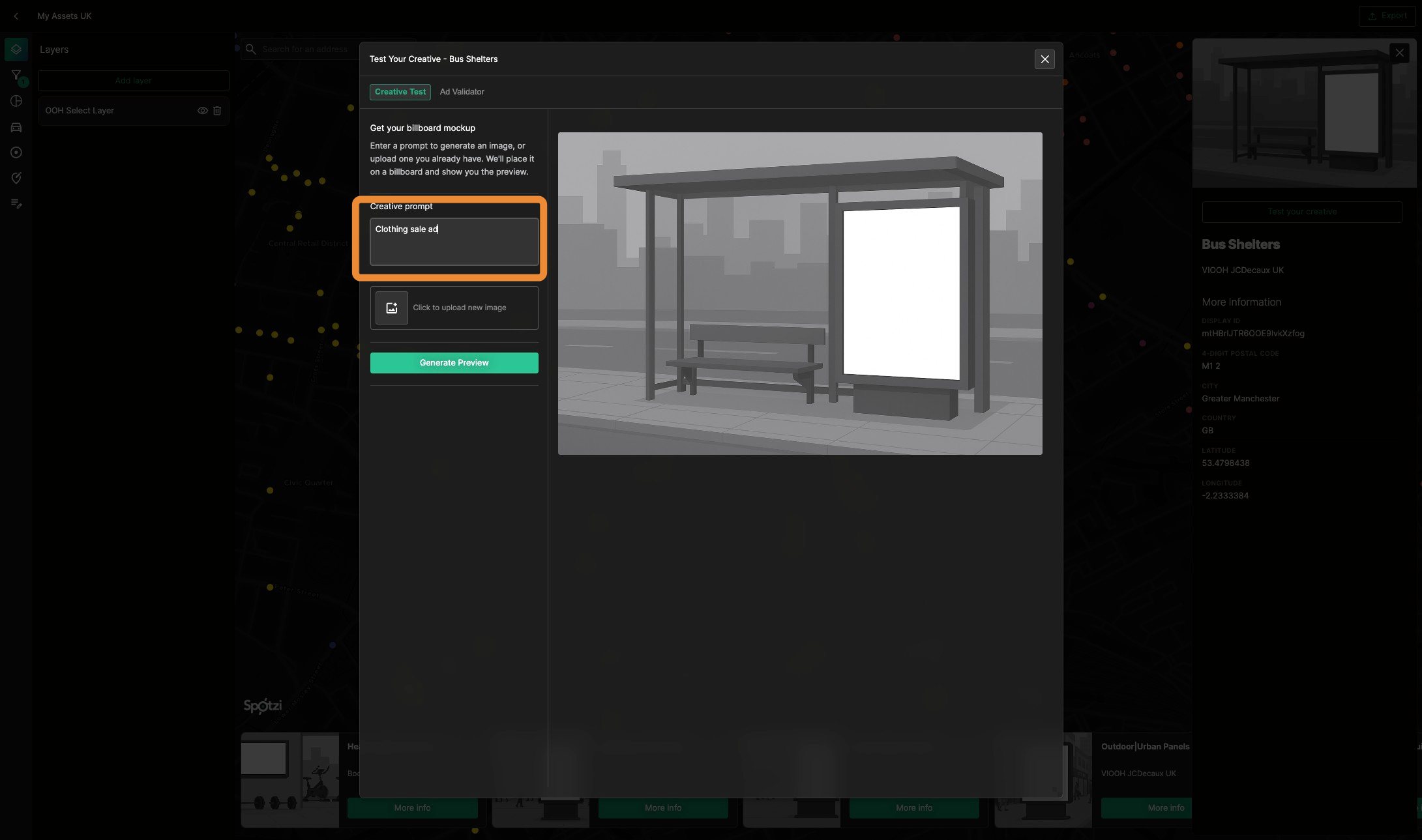
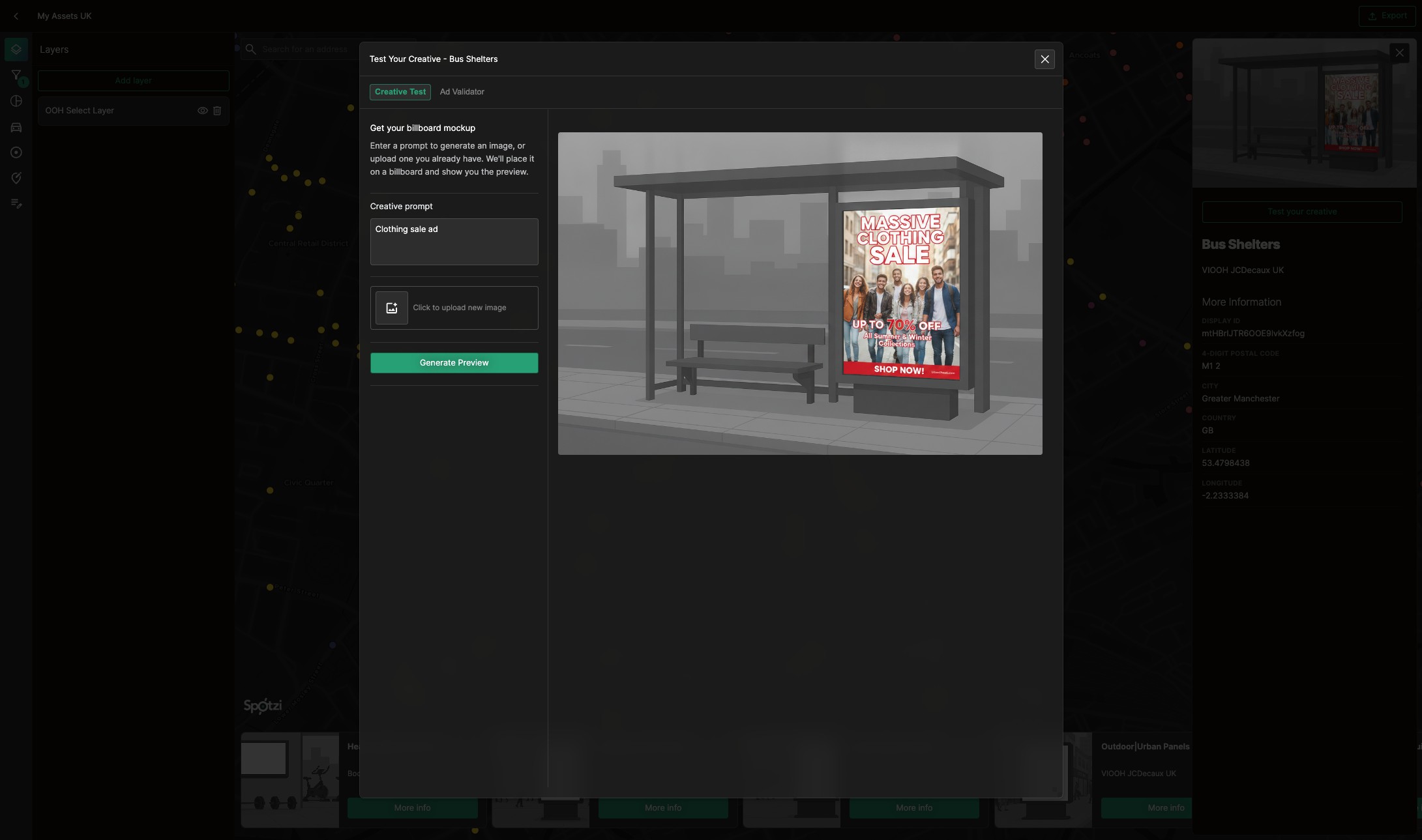
- Use Spotzi's AI Mockup Generator to create an ad based on a creative prompt.
Enter a description of the ad you would like to see displayed on your billboard, then click "Generate Preview".
- An AI-generated ad matching your prompt will be placed onto the selected asset image.
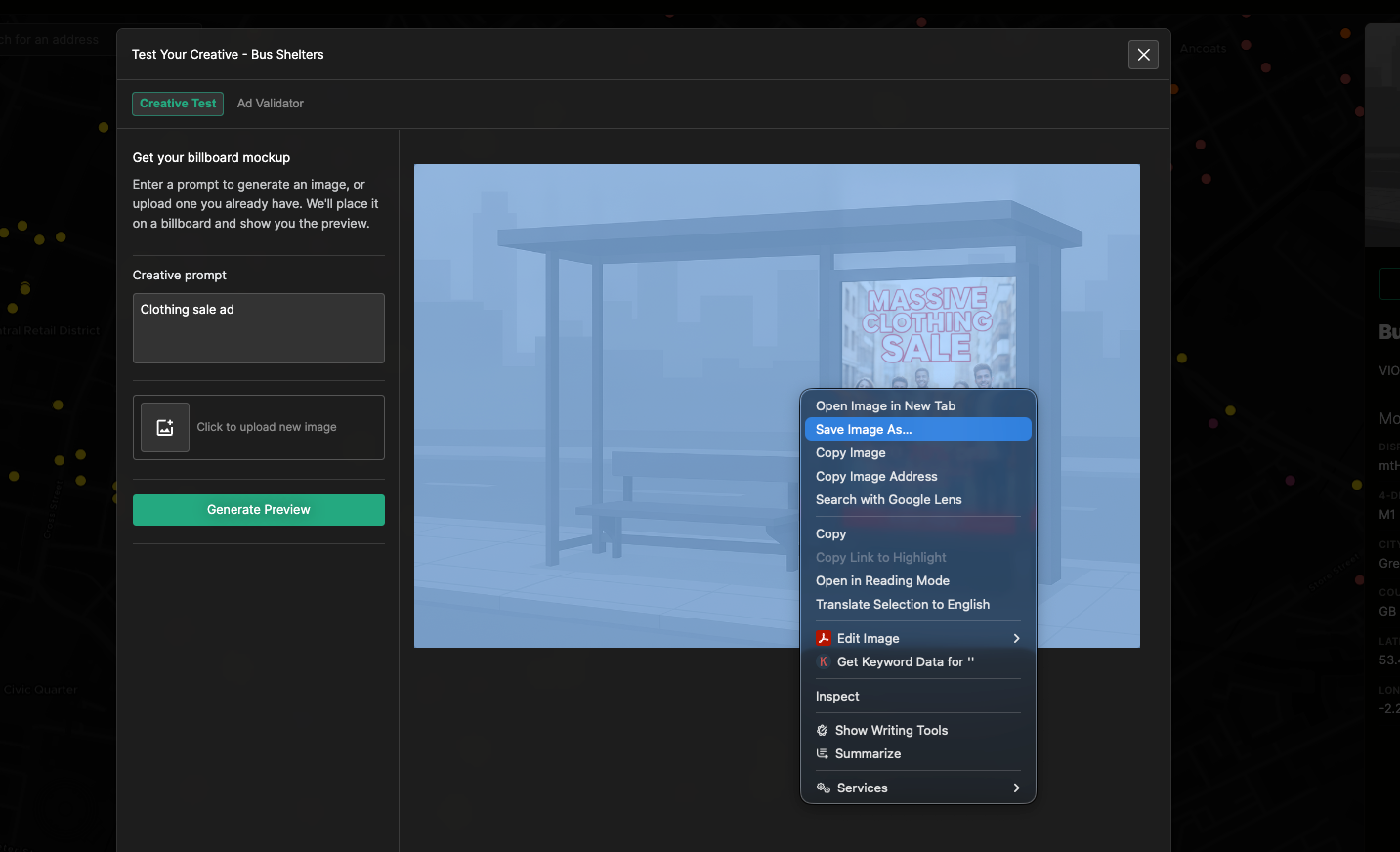
- You can right-click the generated image and save it for use in presentations or campaign plans.
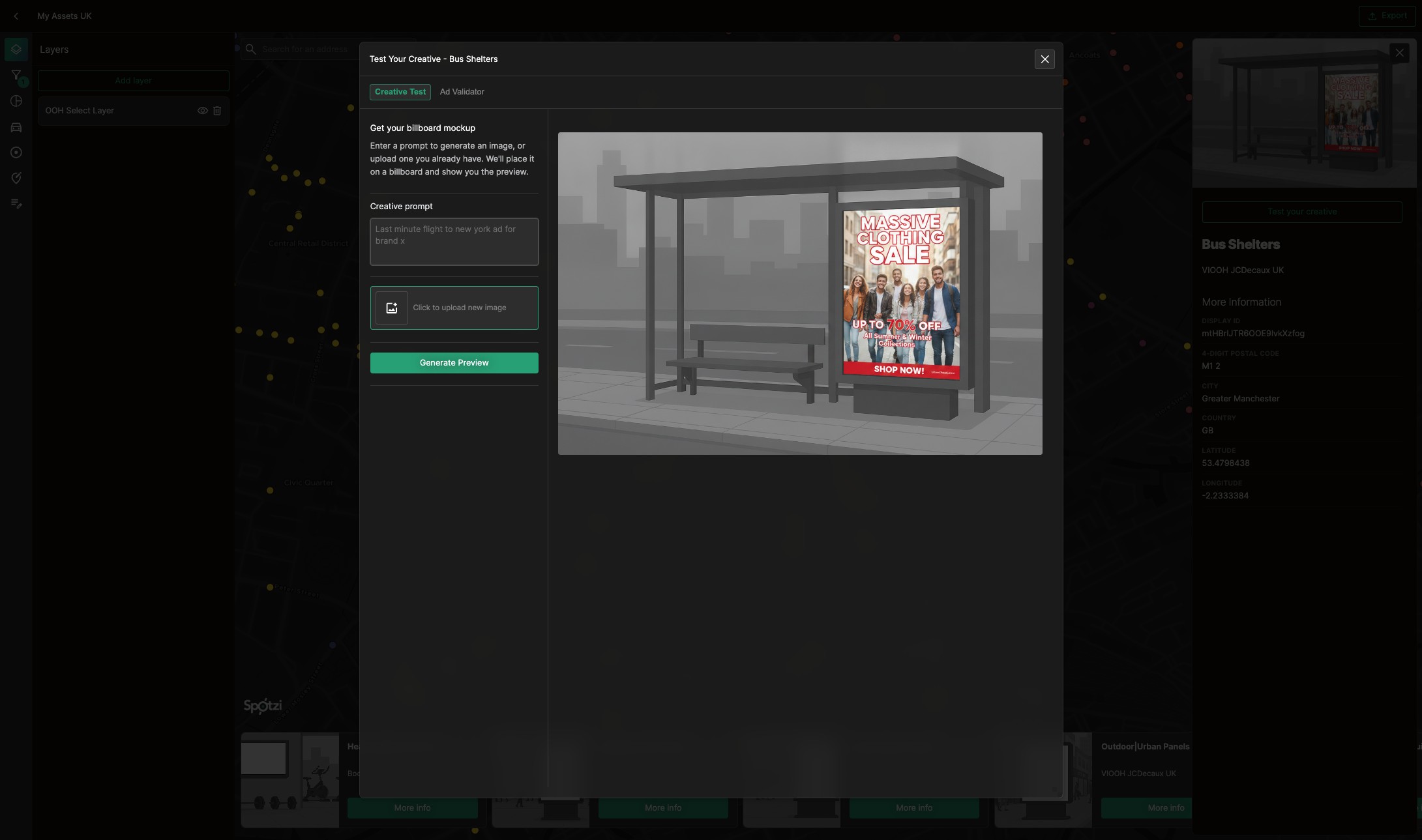
- To test an existing ad, click the creative upload button and upload your creative image.
- Click "Generate Preview".
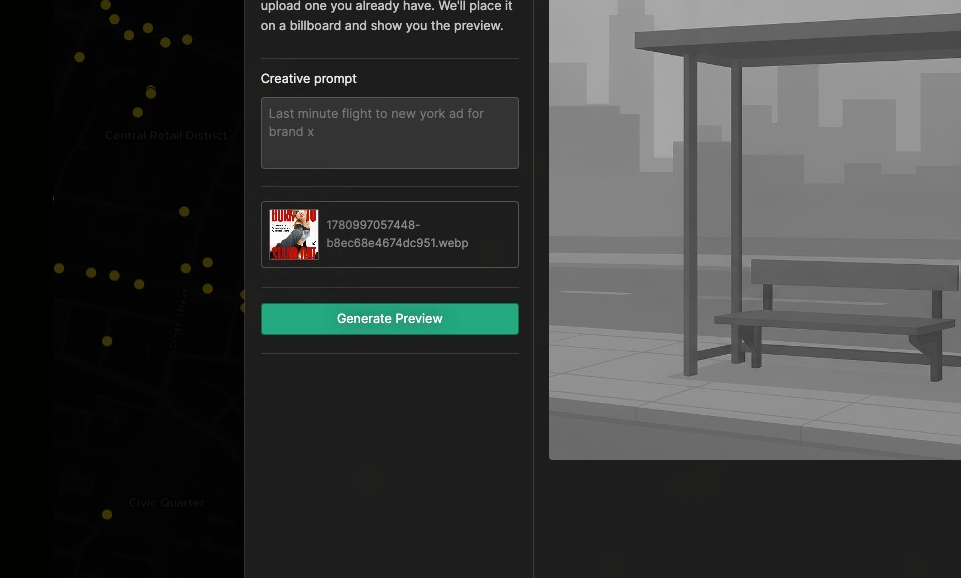
- Your uploaded creative will be placed into the ad space of the selected asset image.
- Use Spotzi's Ad Validator to evaluate the effectiveness of your creative.
Click the "Ad Validator" button to begin analyzing your ad.