Made by Remco Dolman with Scribe
Control who can access your interactive maps and related data by making selected dashboards available through a shareable web link.
When public access is enabled, link recipients can view dashboard content directly in their browser without requiring a platform account or login credentials.
Step-by-step
- Navigate to the dashboard you want to make accessible.
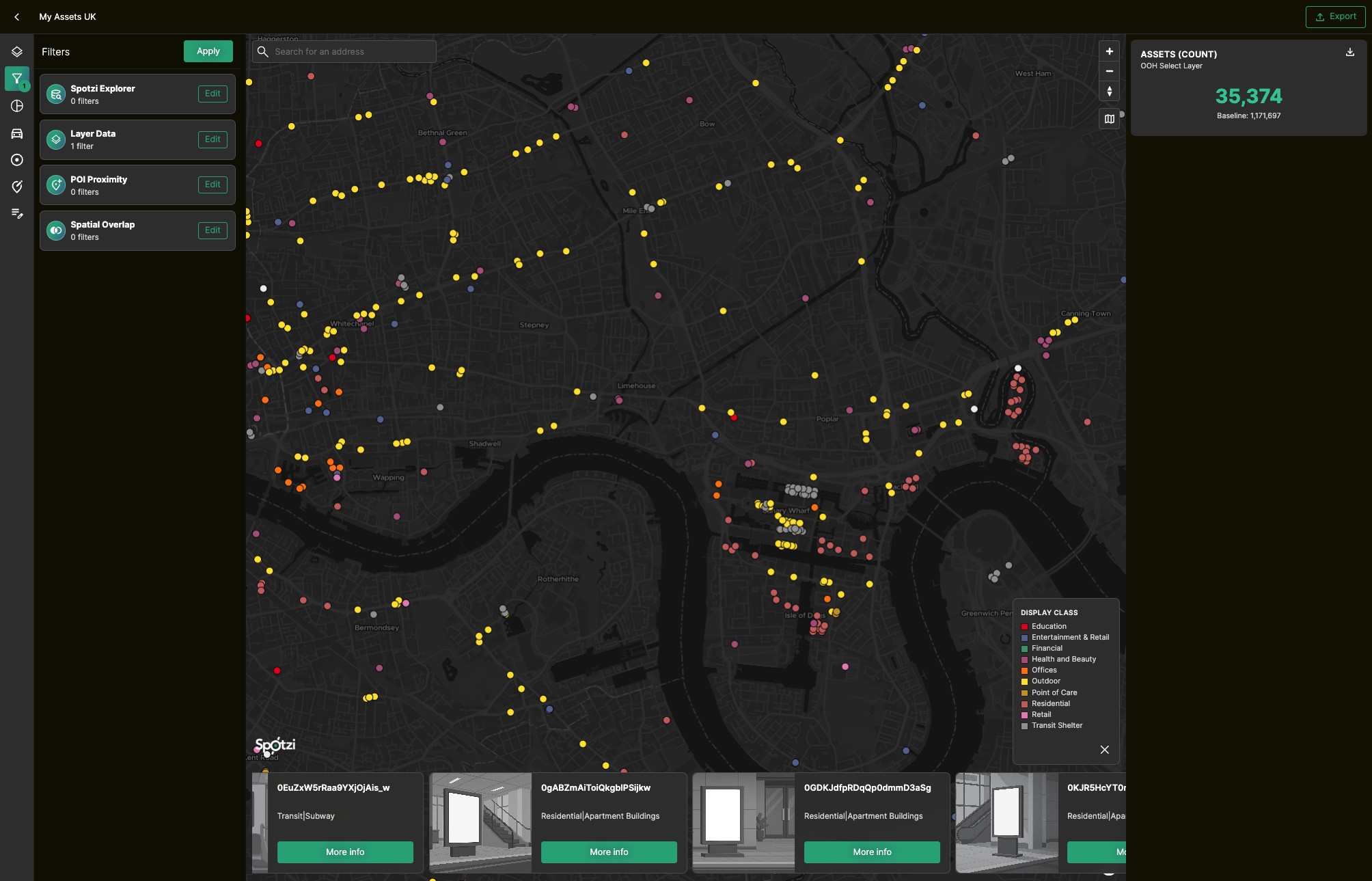
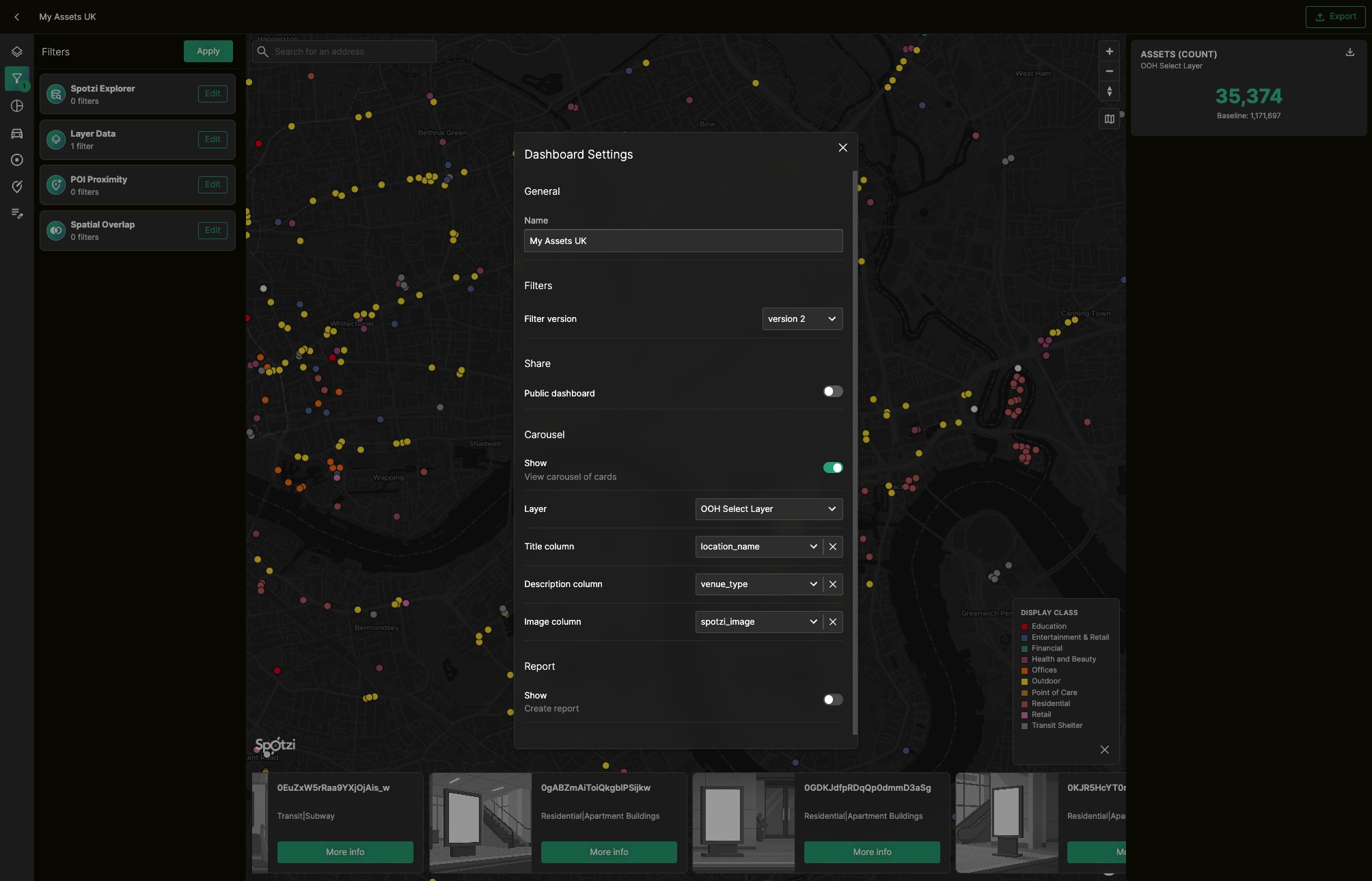
- Click the dashboard name to open the dashboard settings panel.
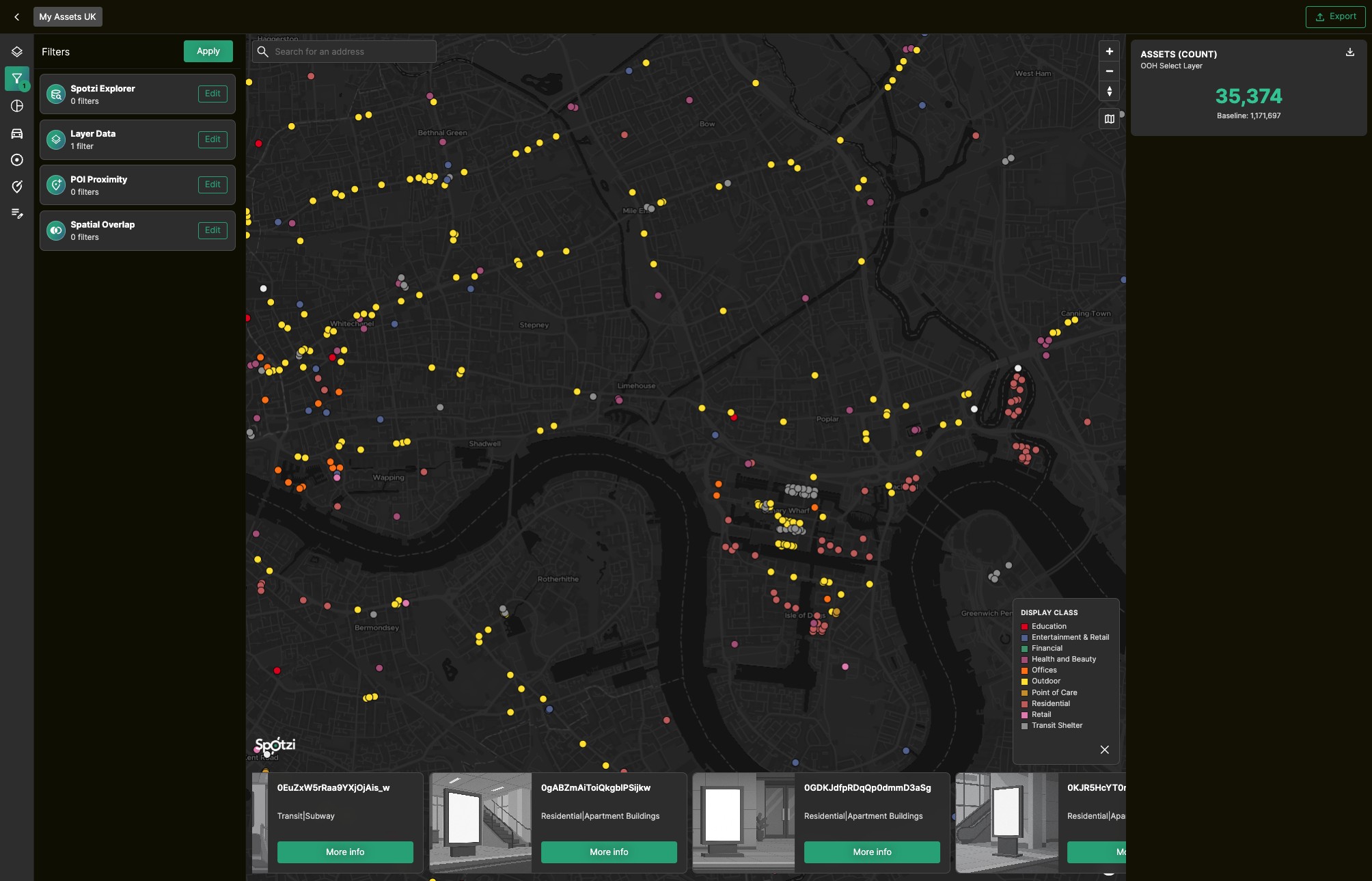
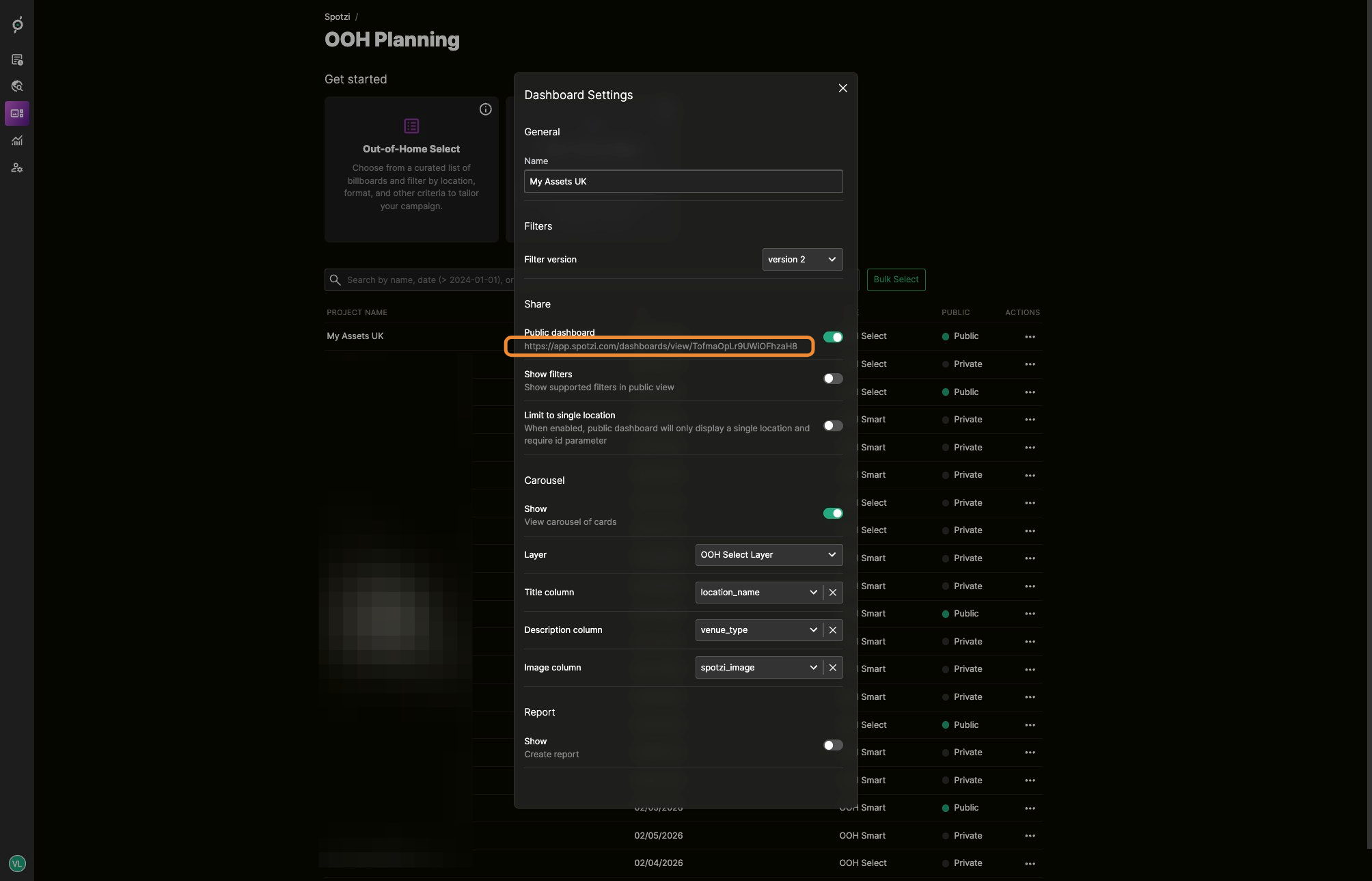
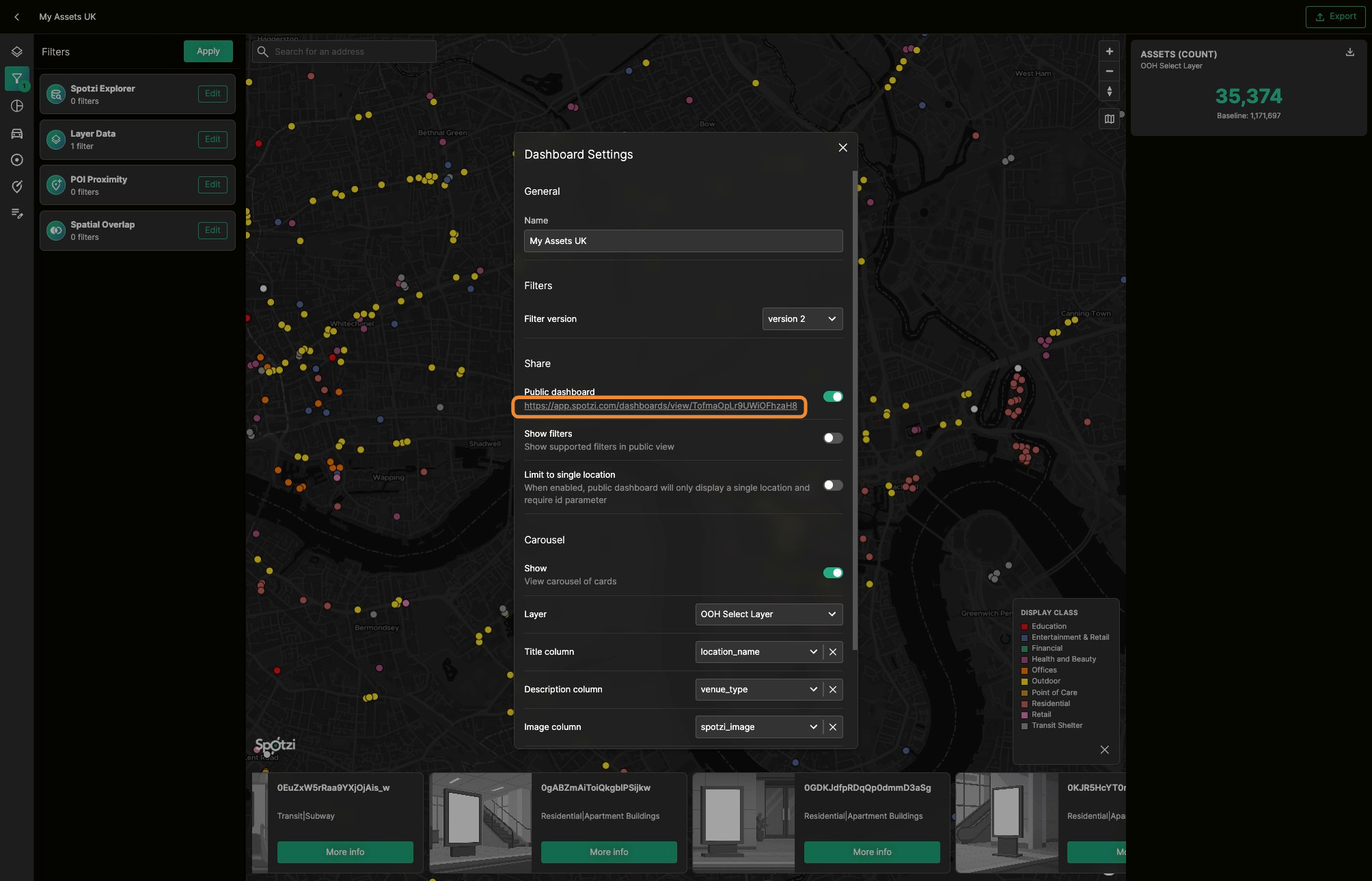
- Enable "Public Dashboard" under the "Share" section.
- Once enabled, a unique URL will be generated. Anyone with this link can open and explore the dashboard in a view-only format.
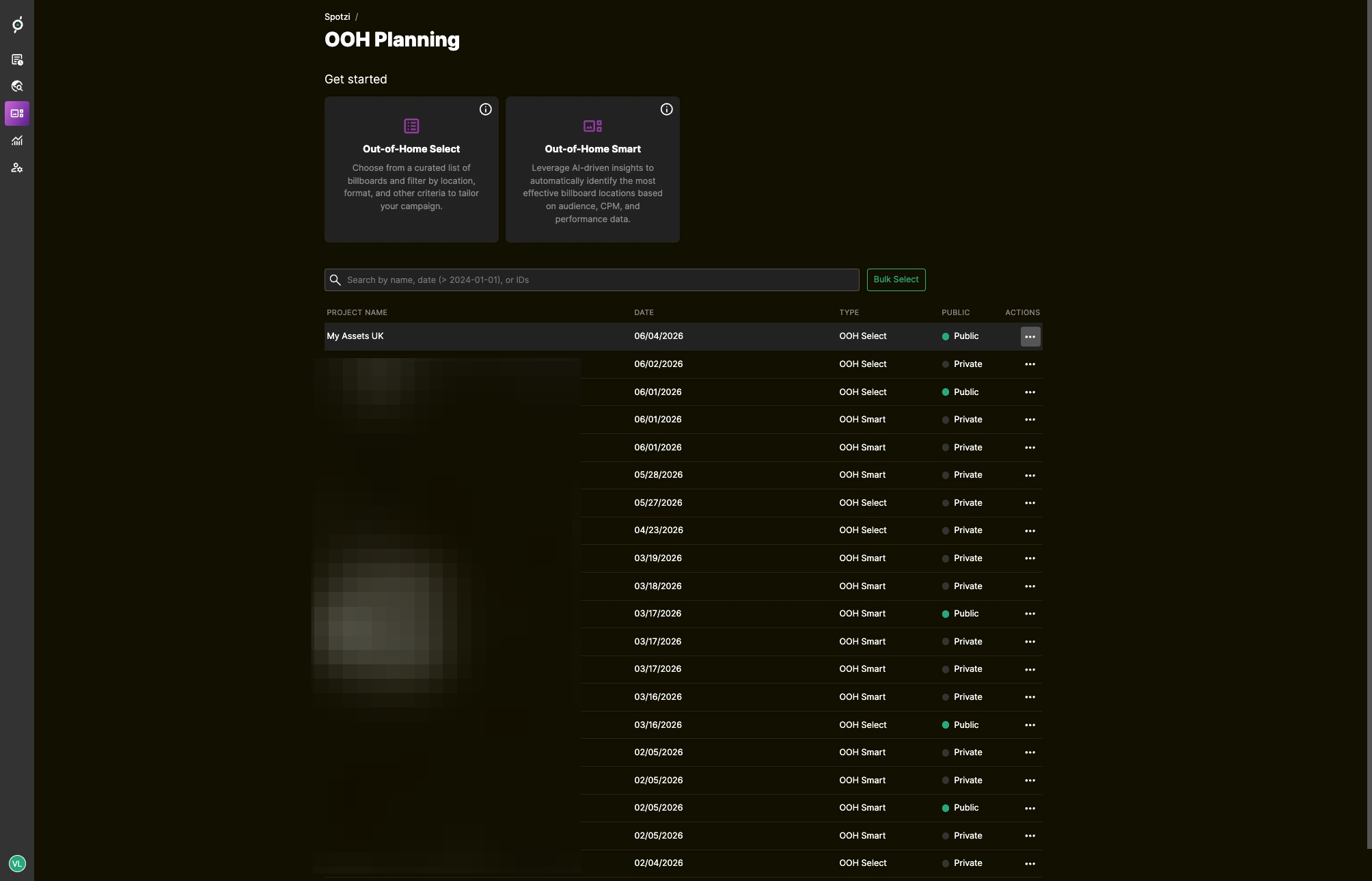
- You can also share a dashboard directly from your workspace dashboard list.
Locate the dashboard in your workspace and click on the ellipses to open the dashboard settings panel.
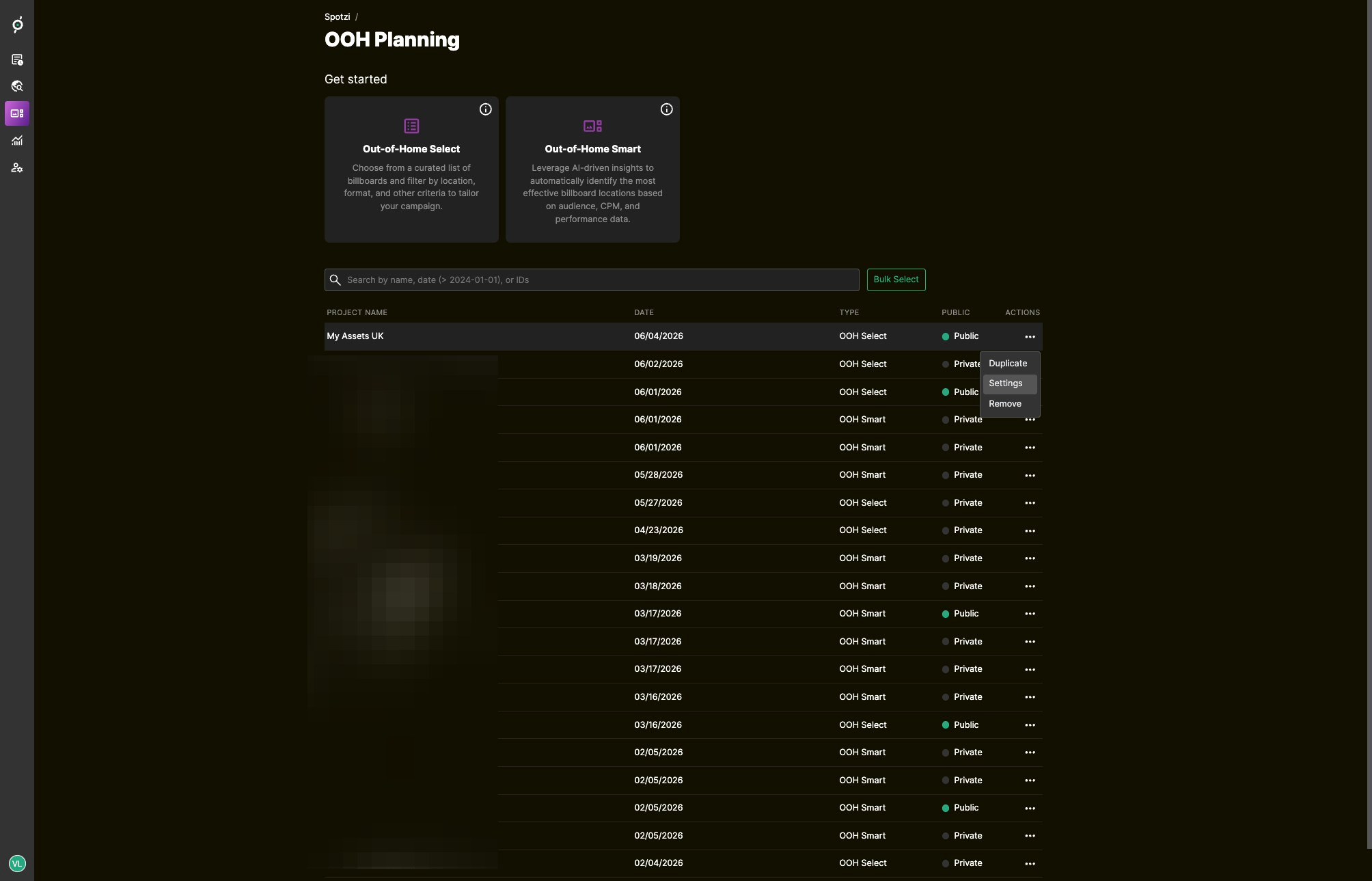
- Choose “Settings” from the dropdown.
- Enable "Public Dashboard" under the "Share" section.
Once enabled, a unique URL will be generated. Anyone with this link can open and explore the dashboard in a view-only format.